
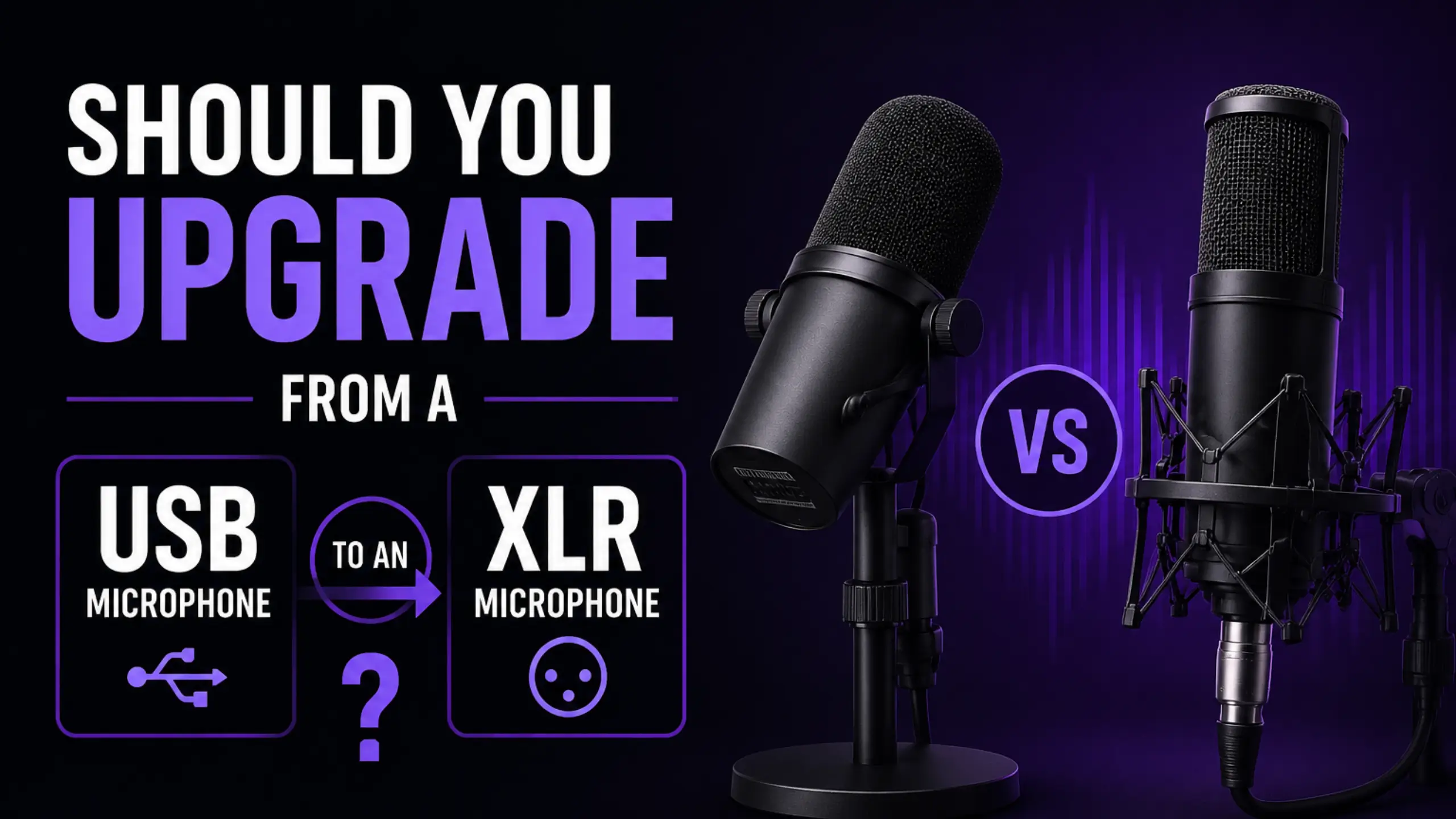
Should You Upgrade from a USB to an XLR Microphone?

USB microphones are good enough for the vast majority of people. That said, an XLR microphone will provide more powerful features to some degree. But this isn’t another XLR vs USB microphone shootout. The spoiler is always “it depends”. So, when should you upgrade your USB microphone to an XLR microphone? Here’s a decision guide for you.
XLR Microphone vs USB Microphones
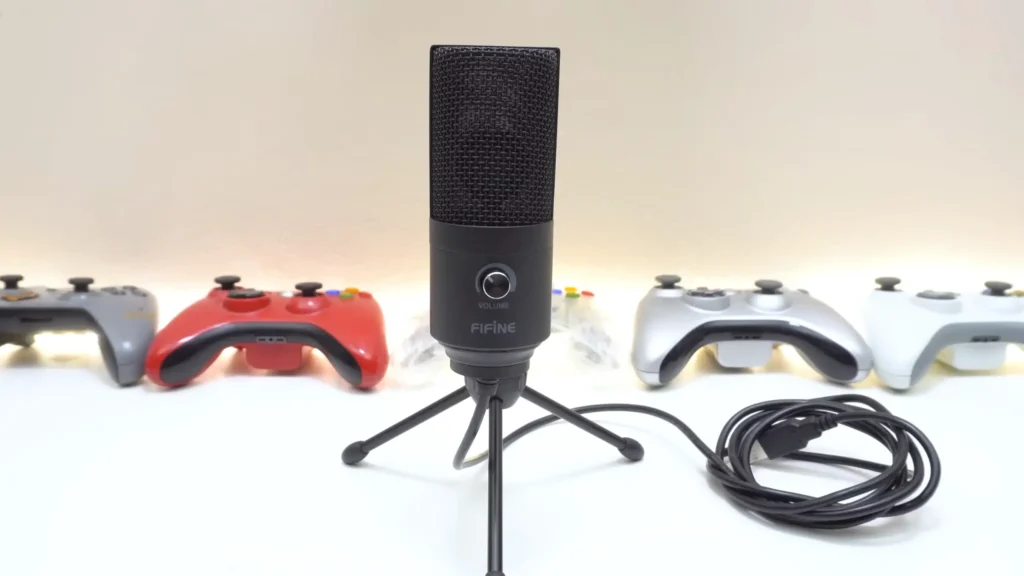
A USB microphone is an all-in-one package. It bundles the mic capsule, a preamp to boost the signal, and a converter that turns your voice into digital audio your computer understands. Plug-and-play mics like the FIFINE K669B USB mic or the FIFINE A6T microphone kit pack all of that into one body.
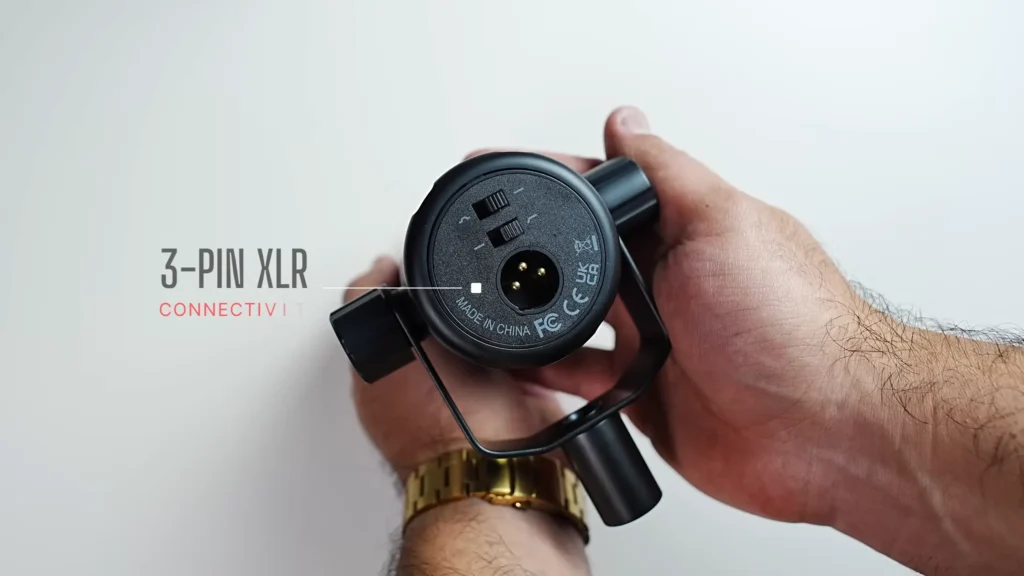
An XLR microphone splits those jobs apart. The mic is just the mic. A FIFINE Tank1, for example, captures your voice and nothing else — to get that signal into a computer, you need a separate mixer or interface like the FIFINE SC8, plus an XLR cable like the FIFINE L9 to connect them.
From a raw technical standpoint, neither connector sounds “better.” Some FIFINE mics, like FIFINE K688 and Tank6, even give you both. What changes is whether your signal runs through the mic’s built-in electronics over USB, or out to your own interface over XLR.
| USB microphone | XLR microphone | |
|---|---|---|
| Setup | Plug-and-play, one cable to your computer | Needs an audio interface or mixer, plus cables |
| What’s inside | Mic, preamp, and converter in one unit | Separate the components you choose individually |
| Sound ceiling | Excellent for most uses | Same capsule can match USB; ceiling rises with better gear |
| Flexibility | What’s in the box is mostly what you get | Add preamps, compressors or EQ before the signal hits your computer |
| Repairs and upgrades | One broken part can mean a new mic | Swap or upgrade single pieces |
| Best for | Streamers, gamers, travel, quick recording | Studios, multi-mic podcasts, serious setups |
One more difference worth a line: you’ll also find far more XLR mics on the market — by some counts, many times the USB selection. Want the full feature-by-feature breakdown? Read our detailed XLR vs USB microphone comparison.
Signs You Are NOT Ready to Upgrade Yet
Not everyone needs to upgrade the USB microphone. If most of it sounds like you, save your money — a USB microphone upgrade isn’t what you need right now.
- Your USB mic already sounds clean. If people on your streams or videos can hear you clearly, the mic is doing its job. A pricier connector won’t make a cleaner signal.
- You don’t edit or process your audio. XLR’s biggest perks — adding a compressor, EQ, or a dedicated preamp — only pay off if you actually shape your sound. Record and publish as-is, and you’d be paying for control you’ll never touch.
- You record in simple spaces. A desk in a quiet home room is exactly where USB shines. No background-noise gymnastics required.
- You only need one mic. Solo creators rarely need to capture two or three sources at once. One USB mic covers it.
- Portability matters more than a studio. If you record on the move, a compact USB mic and a single cable beat a bag full of interfaces, preamps, and XLR leads.
- Simplicity and budget still come first. Plug-and-play is a feature, not a compromise. If you’d rather create than configure, stay put.
Clear Signs for Upgrading to an XLR Microphone
Still wondering whether you actually need an XLR microphone? If you’re nodding along to several of these, an XLR microphone setup is the upgrade that’ll move the needle.
- You want real control over your sound. XLR lets you insert a dedicated preamp, a compressor, or EQ before your voice ever reaches the computer. That’s how broadcast voices get their rich, polished tone. For streamers, that same control extends to routing — sending your mic alongside game and chat audio through a mixer like the FIFINE SC8.
- You’re building a serious setup. Once you start caring about gain, routing, and signal flow, you’ve outgrown plug-and-play. XLR is built for people who want to fine-tune, not just record.
- You’re recording podcasts with more than one person. This is the big one. A multi-input mixer lets several mics run at once, each on its own clean channel, so everyone at the table gets captured properly.
- You need to record from a distance. A USB mic cable generally tops out around 5 feet (about 1.5 meters) before you start hearing dropouts and distortion. An XLR cable like the FIFINE L9 XLR cable with 10 feet runs much farther with no signal loss — so you can sit on the couch, across the room, wherever you like.
- You’re ready to invest in an interface or mixer. This is the gatekeeper. XLR mics don’t plug into a computer directly; they need an interface or mixer to work at all.
What Changes When You Switch from USB to XLR?
Switching connectors changes more than the plug. Here’s what actually shifts in your workflow:
- More gear you need to add — at minimum, an audio interface or mixer, plus XLR cables. That’s the cost of all that flexibility.
- Gain staging becomes your job. Set it too low, and you’ll hear hiss; too high, and you’ll clip. Quiet talkers turn it up, loud ones turn it down.
- Processing moves into your hands. Compression, EQ, and noise gates turn into tools you dial in by ear.
- Your setup can expand. Add a second mic for a co-host, route audio separately, or swap a single component without replacing the whole rig.
None of that happens automatically. It’s the trade you make for control: more capability, in exchange for more setup.
Who Should Stay with USB Microphones?
Upgrading isn’t a badge of seriousness. For a lot of people, USB is the smarter choice — full stop. If you see yourself in this table, stay where you are.
| User type | Why USB still wins |
|---|---|
| New streamers and content creators | Plug-and-play means you start recording today |
| Mobile or travel-based users | One compact mic, one cable, no extra boxes |
| Casual gamers and Discord chatters | Clean voice without tweaking thresholds and gates |
| Simplicity-first users | No gain staging or routing to learn |
| Anyone happy with their current sound | If it sounds clean, there’s nothing to fix |
Modern USB mics have closed much of the old quality gap. A clean, plug-and-play mic with decent software can carry a stream, a podcast, or a video without breaking a sweat.
How to Upgrade USB to XLR Microphones?
If you’ve decided XLR is in your future, don’t blow up your whole setup overnight. Step into it.
The entry-level path: start dual, go full XLR later.
Buy a microphone that does both USB and XLR. It’s the lowest-risk and most convenient way to upgrade your microphone. A dual-mode mic like the FIFINE Tank6 or the FIFINE K688 plugs in over USB today — plug-and-play, no interface needed — and the same mic is ready for an XLR rig whenever you add one. Don’t need to add more gear.
The full path: USB → mixer → XLR system.
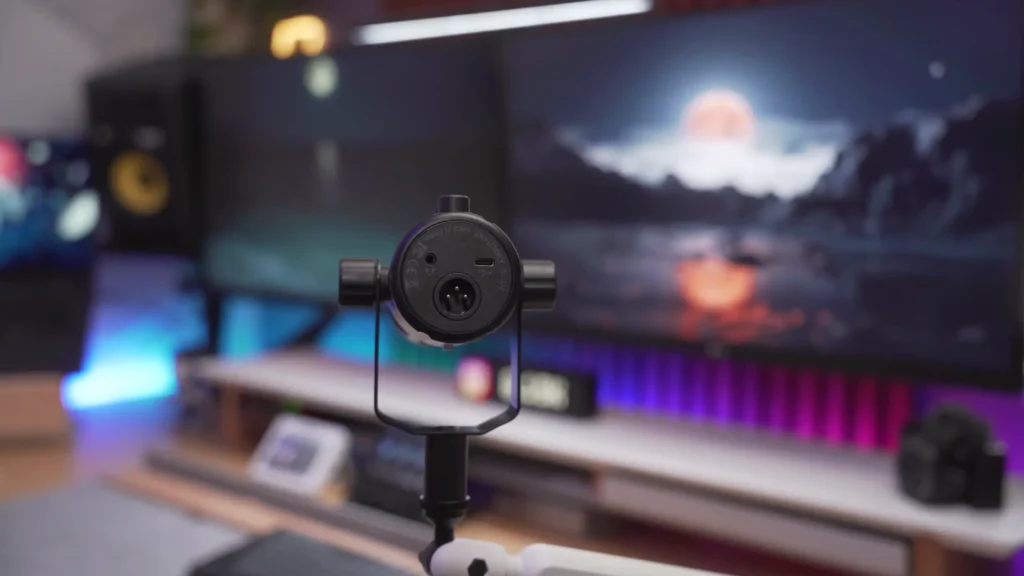
When you’re ready to commit, add a mixer or interface like the FIFINE SC8 audio mixer first, then bring in a dedicated XLR mic such as the FIFINE Tank1 XLR microphone, connected with a FIFINE L9 cable. If you’re stepping up from a USB mic like the FIFINE A6T or K669B, this is the natural next stage. From there, you can keep layering — a better preamp, a second mic, more inputs as your needs grow.
The point of both paths is the same: grow into XLR as your needs grow. Replacing everything at once usually means paying for capability you can’t use yet.
Common Mistakes in Upgrading Your Microphone
Plenty of people jump to XLR and end up frustrated. Usually it’s one of these:
- Buying the mic but not the interface. An XLR mic won’t plug into your computer. With no audio interface or mixer, you’ve got an expensive paperweight.
- Expecting instant magic. XLR doesn’t sound better out of the box — it sounds better after you set it up. Microphone gain, gates, and compression take time and tweaking to get right. Skip that, and your upgrade doesn’t work anymore.
- Ignoring the room. A microphone captures whatever’s around it. Echo, traffic, and AC hum don’t disappear without room treatment. Finish the noise reduction in your room before you upgrade your mic.
- Over-buying too soon. A four-input mixer is overkill for one voice. Buy for the setup you have, not the one you imagine.
- Thinks XLR mics work well in audio enhancement. It won’t. Audio enhancement for your mic can’t work without the ideal microphone setup, the correct room treatment, and the proper mic placement. A good sound comes down to your space and habits, not your cable.
Is It Worth Upgrading?
XLR vs USB microphones? USB gives you convenience. XLR gives you control and room to scale. Neither one is “better” — they’re built for different jobs.
Should you upgrade the USB one to an XLR mic? Do it when your workflow asks for it: when you need a second mic, real audio control, longer cable runs, or a chain you can keep building. When you really need to upgrade, your work will be the thing to tell you it’s time.
FAQ
Is XLR always better than USB?
No. The same capsule can sound identical on either connector — a dual mic like the FIFINE K688 makes the point, with USB and XLR outputs sharing one capsule. XLR wins on flexibility and scaling, not on raw sound. For many people, a good USB mic is all they’ll ever need.
Do I need an audio interface for XLR microphones?
Yes. An XLR mic can’t plug directly into your computer. You need a mixer or audio interface — like the FIFINE SC8 — to convert the signal and connect it.
Will switching to XLR improve sound quality immediately?
Not on its own. XLR rewards setup. You’ll spend time dialing in gain, compression, and noise gates to land that clean, rich sound. Without that work, the sound quality doesn’t seem to change, and even worse.
Can beginners use XLR microphones?
They can, but there’s a learning curve. Gates, thresholds, compressors, and gain staging feel intimidating at first. A friendlier route is a dual USB/XLR mic — start plug-and-play, then grow into the XLR side as you learn.
What is the biggest advantage of XLR microphones?
Modularity. Because the mic, preamp, and interface are separate pieces, you can upgrade or replace any one of them, add processing to your chain, run long cables, and connect to almost any professional audio gear.
