
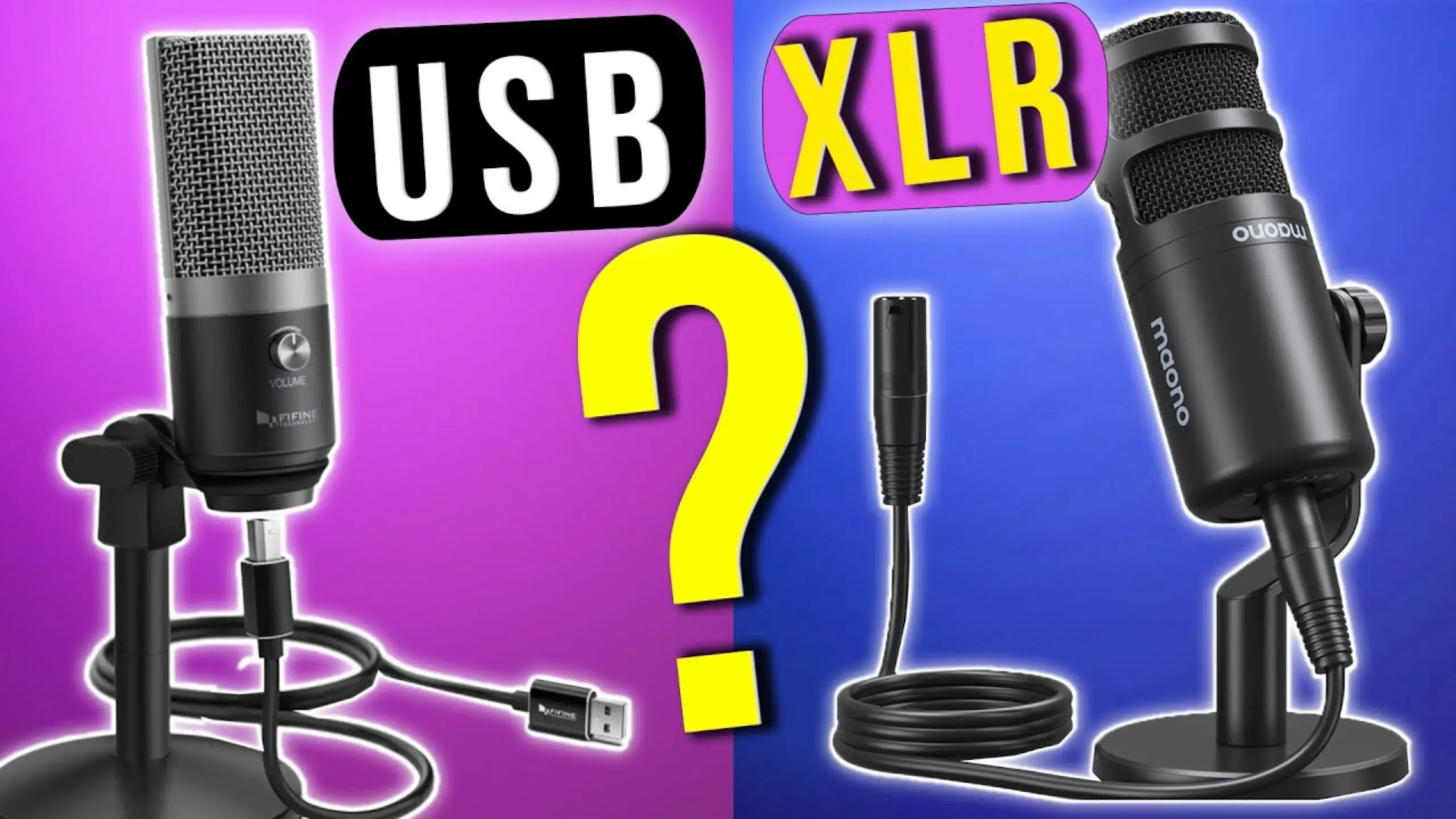
USB vs. XLR Microphone: Which Should You Choose in 2026?

Walk into any audio gear forum, and you’ll find the USB vs. XLR debate raging like it’s a turf war. For most online content, the difference between a well-set-up USB mic and an expensive XLR rig is smaller than people think. Yet the difference still exists, and it will decide if you’re satisfied or frustrated.
USB vs XLR microphone? This guide breaks the comparison into the various dimensions. By the end, you’ll know exactly which route fits your situation.
Quick Comparison: USB vs XLR Mic
| Spec | USB Microphone | XLR Microphone |
|---|---|---|
| Connection | USB-A or USB-C to computer/smartphone | 3-pin XLR to audio interface or mixer |
| Built-in Preamp | Yes — included inside the mic | No — requires an external preamp or interface |
| A/D Converter | Yes — built into the mic body | No — handled by the audio interface |
| Headphone Monitoring | Often built in (3.5 mm jack on mic) | Via the audio interface’s headphone output |
| Additional Gear Needed | None (USB cable usually included) | XLR cable + audio interface (minimum) |
| Multi-Mic Recording | Limited — most computers handle only one USB audio device at a time | Scalable — add as many mics as your interface has inputs |
| Signal Chain Customization | Fixed — what ships in the box is what you get | Fully modular — swap preamps, compressors, EQs independently |
| Onboard DSP/Effects | Available on many modern models (EQ, compression, noise gate via companion apps) | Not on the mic itself — processing happens through external gear or software |
| Device Compatibility | Computers, tablets, smartphones (USB-C models) | Any device with an audio interface or portable recorder |
What Is a USB Microphone?
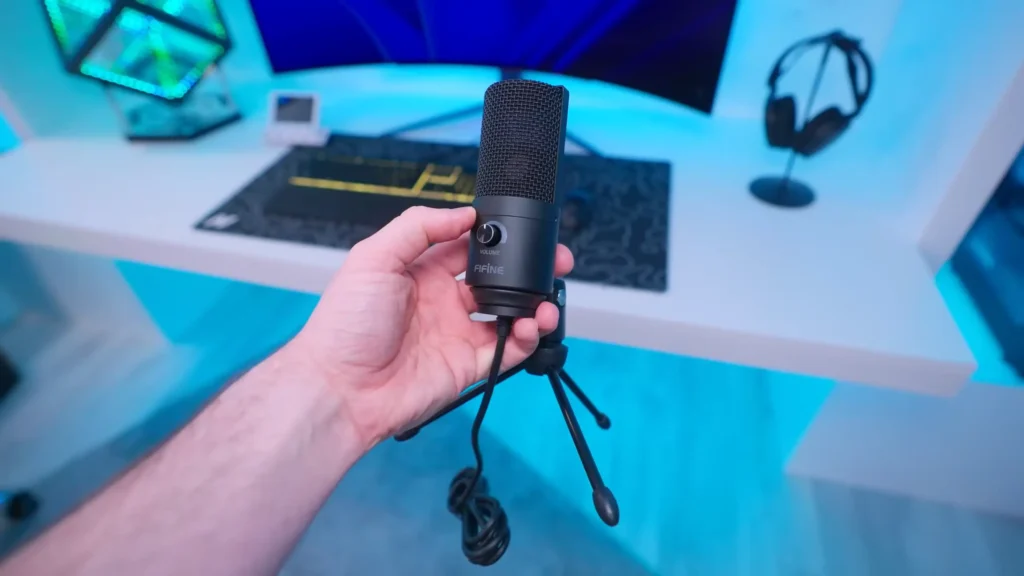
A USB mic is a fully contained recording system. Inside the housing, you’ll find the microphone capsule, a preamp to boost the signal, and an analog-to-digital converter (ADC) that translates sound into data your computer can read. Plug it into a USB port, select it as your input device, and you’re recording. That’s it.
Pros
- Dead-simple setup. USB microphones always plug and play. If you’re new to audio or just want zero friction between you and hitting “record,” this is a major win.
- Lower upfront cost. Everything lives in one package. A solid USB mic runs anywhere from $50 to $250 — far less than assembling an XLR chain from scratch.
- Built-in DSP and bonus features. Many USB mics ship with onboard digital signal processing. You can add compression, EQ, noise suppression, or effects through companion apps.
- Portability. USB mics are easy to carry and versatile on many occasions. Some models even work directly with smartphones over USB-C.
Cons
- Locked-in signal chain. If the mic’s preamp adds noise or the converter sounds thin, you can’t swap just that component, unless you buy a new one.
- Limited multi-mic recording. Computers typically talk to one USB audio device at a time. It is tricky to record with multiple USB mics at once.
- Uncertain longevity. USB mics haven’t been around long enough to prove that kind of durability. Digital components tend to fail more frequently than purely analog capsules.
What Is an XLR Microphone?
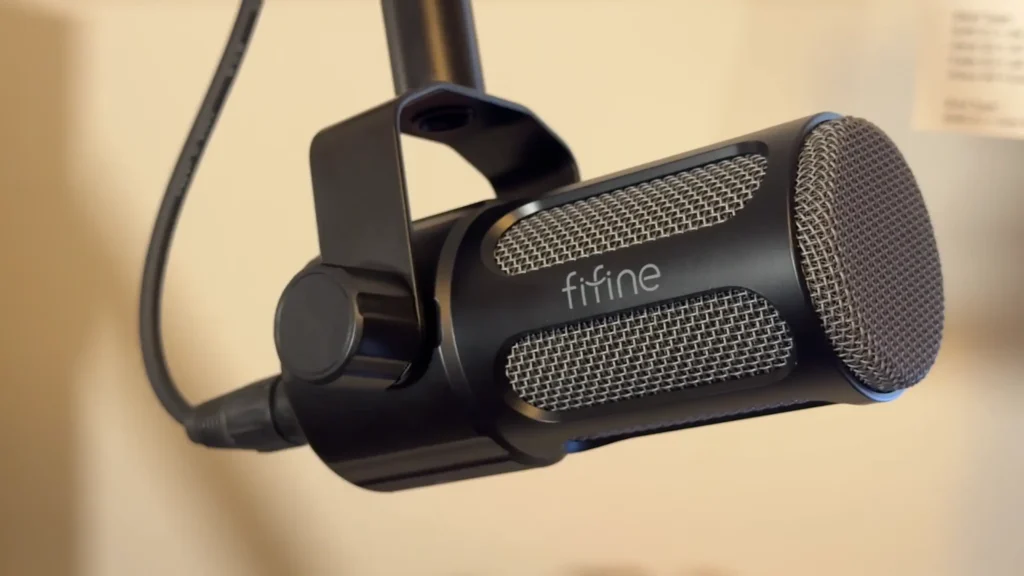
An XLR mic outputs a raw analog audio signal through a standard 3-pin XLR connector. That signal travels via cable to an audio interface (or standalone preamp), which amplifies it and converts it to digital so your computer can record it. Each piece of the chain — mic, cable, preamp, interface, headphone amp — is a separate, replaceable component.
Pros
- Modular upgradeability. Want a cleaner preamp? Swap the interface. Need better monitoring? Upgrade the headphone amp. You can improve one link in the chain without replacing everything else.
- Easier troubleshooting. Because every component is separate, you can isolate problems quickly. Swap a cable, try a different input, test another mic.
- Multi-mic flexibility. Get an interface with four inputs, plug in your mics, assign them in your DAW, and record. Scaling up is straightforward.
- Decades of proven reliability. An analog XLR mic, treated well, can outlast you. There are no digital components to fail, no firmware to become obsolete.
Cons
- Higher total cost. Add an XLR cable, an audio interface, and possibly an outboard preamp or headphone amp, and the bill climbs fast. A respectable XLR setup can easily cost two to three times as much as a USB mic.
- Steeper learning curve. Gain staging, phantom power, impedance matching — the XLR ecosystem needs knowledge to understand the setup process.
USB vs XLR Microphone: Key Differences
Setup and Connectivity
This is where the experience diverges most. A USB microphone always plugs and plays, while an XLR microphone setup adds several steps.
A USB mic setup takes about two minutes: plug the cable into your computer, select the mic as your input device, set your gain with the onboard knob, and go. Also, the class-compliant means no drives needed. Plus, the headphone jack, like the FIFINE USB microphone A6V, ensures zero-latency monitoring.
Looking at an XLR mic, things become a little complex. You always need an audio interface or mixer. The XLR cable is necessary. If you’re using a condenser mic, you’ll need to engage 48V phantom power on the interface. To gain volume or monitor, you need to set it up in your audio interface rather than on the mic.
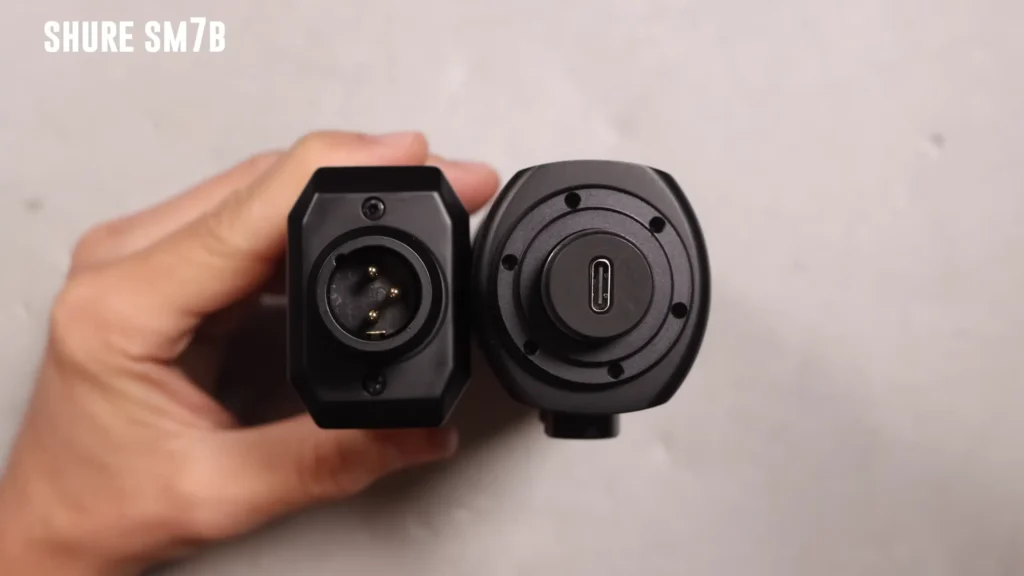
That said, neither process is difficult, but XLR asks more of you upfront — and rewards you with more control once everything is connected.
Mini verdict: If “plug in and record” is your priority, USB wins. If you want hands-on control of every stage, XLR is worth the extra setup.
Sound Quality
Both USB and XLR mics go through the same fundamental audio chain: sound hits a capsule, gets amplified by a preamp, and then gets converted from analog to digital.
The difference is how the budget is allocated. A $100 USB mic spreads that cost across a capsule, preamp, converter, and headphone amp. But even a $100 XLR mic needs an extra interface. Cost is higher, but also the quality.
For online content — YouTube, podcasts, Twitch streams — most listeners won’t hear the gap. A test, held by @Podcastage, between a $170 Road NT USB Plus USB condenser mic and a $4,000 Neumann TLM 49 XLR mic, confirms that the expensive rig sounds better, but neither would make a viewer click away. However, for professional production or broadcast, the quality gap becomes meaningful.
Mini verdict: XLR has a higher ceiling. USB has a lower floor of effort for “good enough” results. Match your investment to your audience’s expectations.
Upgradeability and Signal Chain Flexibility
With an XLR setup, every link in the chain is replaceable. Unhappy with your preamp? Swap the interface. Want to add a hardware compressor or EQ before your signal goes digital? Patch it in. Each upgrade targets exactly what you want to improve without touching the rest.
USB mics lock you into a fixed signal chain. The preamp, converter, and headphone amp inside the mic are what you get. If any single component underperforms, your only upgrade path is a brand-new microphone. Even though you can adjust it with companion apps, that’s processing after conversion — not the same as upgrading the hardware itself.
Mini verdict: If you plan to evolve your setup over time, XLR’s modularity saves money in the long run. If you want a grab-and-go solution you won’t tinker with, USB keeps things simple.
Multi-Mic Recording
XLR handles multi-mic setups cleanly. Buy an interface with enough inputs — two, four, eight, or more — plug in your mics, assign each to its own track in your DAW, and record. Every mic gets independent gain control.
USB makes this complicated. Most computers recognize only one USB audio device at a time. Many models still won’t play nicely when you plug two of the same mic into one machine.
Mini verdict: Multi-mic recording is XLR territory. USB works for solo setups; anything beyond that gets unreliable.
Portability and On-the-Go Recording
USB mics are inherently portable — one mic, one cable, and a laptop (or even a smartphone) gets you a complete recording rig. USB-C models that work with iPhones and Android phones shrink your kit even further.
XLR mics require an interface, which adds bulk and another power source. However, portable recorders like the Zoom H6 let you record XLR mics without any computer at all.
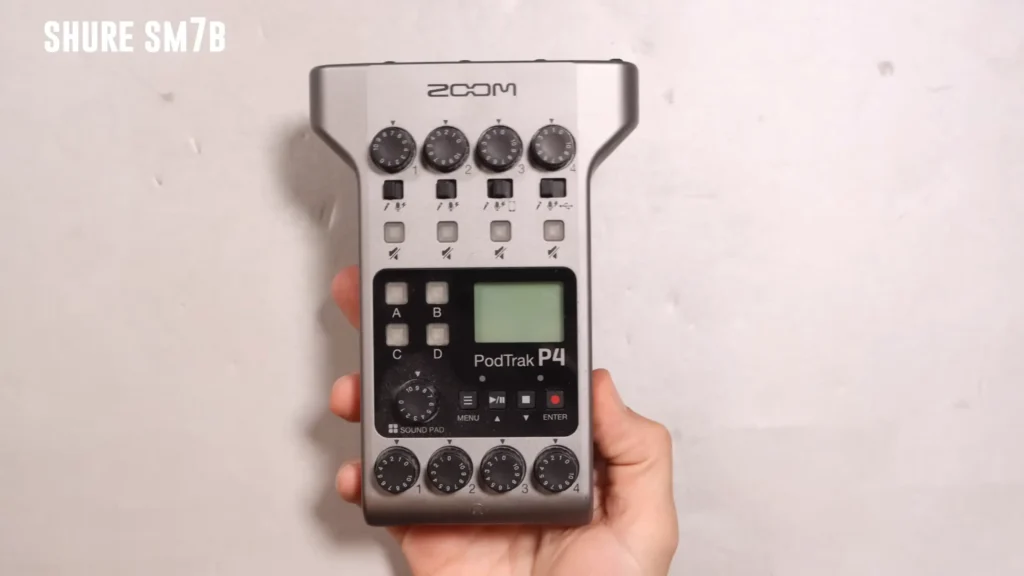
Mini verdict: USB wins for casual portability. XLR plus a portable recorder wins for professional field recording.
When to Pick USB vs. XLR Microphones
Use this chart to match your situation to the right connection type:
| Your Scenario | Best Pick | Why |
|---|---|---|
| Launching a solo podcast from home | USB | You’ll be recording in minutes, not hours. Spend the savings on acoustic treatment instead. |
| Building a multi-person podcast studio | XLR | Starting, not sure how far you’ll go |
| Streaming on Twitch or YouTube | USB | Plug-and-play simplicity means less fiddling and more streaming. Built-in DSP handles your voice processing. |
| Professional music recording | XLR | You need the widest mic selection, the cleanest signal path, and the option to add outboard gear. |
| Recording voiceovers on the go | USB (USB-C) | One mic and a smartphone is your entire mobile studio. No interface, no extra cables. |
| Field recording or documentary work | XLR + portable recorder | Record without a computer using a portable recorder like the Zoom H6. |
| Starting, not sure how far you’ll go | Dual-mode (USB + XLR) | A mic like the FIFINE K688 lets you use USB now and switch to XLR when you’re ready to expand. |
| Gaming with voice chat | USB | Low latency, onboard monitoring, and companion apps that add noise suppression keep your callouts crisp. |
| Recording a band or live ensemble | XLR | Multiple instrument mics plus vocals require a multi-input interface and separate gain control. |
Dual-Mode Microphones: FIFINE K688
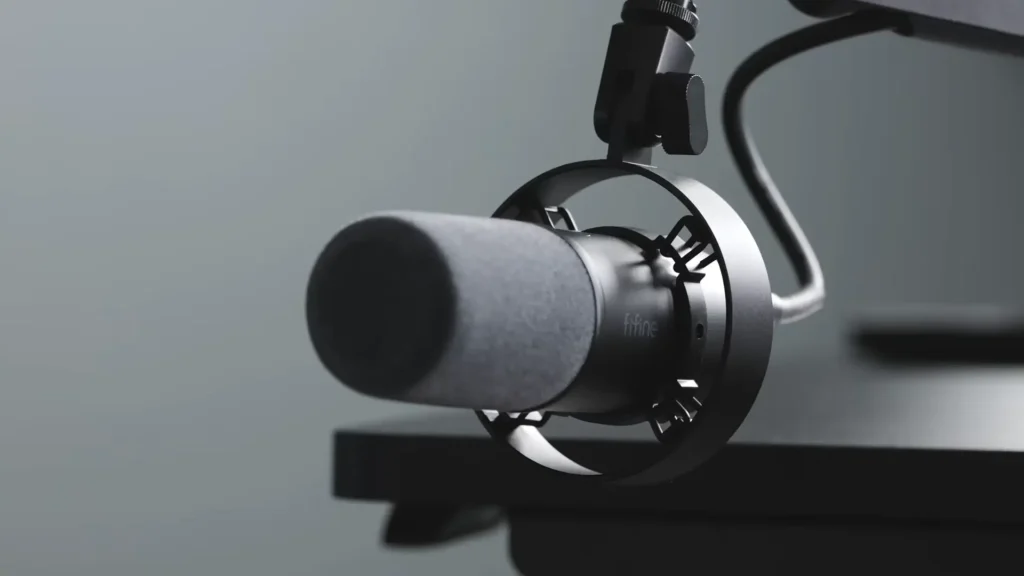
Look at FIFINE K688, a dynamic mic between $50 and $60 that includes both USB-C and XLR outputs, and you don’t need to suffer the struggle. Over USB-C, it works as a standard plug-and-play mic. The onboard controls include a gain knob, a headphone volume dial, and a tap-to-mute button, all of which activate in USB mode.
Switch to XLR, and the K688 behaves like a traditional analog dynamic mic. Plug it into your audio interface, set your gain on the interface, and record through your full signal chain.
Who is FIFINE K688 For:
Dual-mode mics are built for creators who don’t want to bet on a single workflow. It’s a smart first purchase for beginners— start with USB, and when you’re ready to add an interface, the XLR model works now.
Among the FIFINE K688 review, its weight stands out for a reason. Compared to XLR-only dynamic mics in its class, it’s noticeably lighter, making it easier to mount on a boom arm and more practical for travel.
One Thing to Keep in Mind
Digital features like the mute button and onboard gain control only work in USB mode. When you’re connected via XLR, the mic is purely analog — your interface controls everything.
USB vs XLR Microphone: Which is Your Pick?
USB vs XLR microphone isn’t about which is better—it’s about what fits your needs. USB is simple and convenient; XLR is flexible and built to scale.
If you’re new, a USB mic removes every barrier to your first recording. If you plan to grow into multi-mic setups or upgrade piece by piece, XLR gives you a foundation that lasts decades. Also, choose a hybrid like the FIFINE K688 and get the best of both. It’s all for your needs.
FAQ
Do USB microphones sound worse than XLR microphones?
Not inherently. Both types use the same fundamental audio chain — capsule, preamp, converter. USB mics are simple and convenient, making them perfect for beginners, while XLR mics offer flexibility and a setup that can grow with you over time. At quality levels, the sound difference is minimal and often undetectable in online content like podcasts and streams.
Can I use multiple USB microphones on one computer?
Most older USB mics conflict when you plug two of the same model into one machine. Newer models from brands like Røde have solved this.
Is an audio interface hard to use?
Modern interfaces are far simpler than they used to be. A basic model like the Focusrite Scarlett 2i2 is essentially plug-and-play with a gain knob and a headphone jack. The learning curve is real but short — most people are up and running within an afternoon.
What’s a dual-mode microphone, and why should I consider it?
A dual-mode mic offers both USB and XLR outputs in the same body. The FIFINE K688 is a popular example — connect via USB-C for quick recording, or plug into an XLR interface when you want a full professional signal chain.
How long do USB microphones last compared to XLRs?
Analog XLR mics can function for 30 to 60+ years with proper care. USB mics contain digital electronics that may fail sooner, though we don’t yet have decades of data to know for sure. If longevity is a top priority, XLR is the safer long-term investment.
