
Best XLR Microphones in 2026: 6 Dynamic Mics From $36 to $450

Once a USB microphone stops being enough for you, XLR microphones will be your next step, with a balanced connection, the freedom to upgrade your interface later, and a sound that holds up next to the pros.
The catch? An XLR mic depends as much on your setup as on the mic itself. How to pick the best XLR microphone? Below, we review six XLR mics for podcasting, streaming, and voice work. From sound quality to value, one should fit you.
Quick Review of the 6 Best XLR Microphones
| Microphone | Best for | Connection | Price | Score |
|---|---|---|---|---|
| fifine AmpliTank Tank1 | Best overall | XLR | $129.99 | 8.8/10 |
| fifine K688 | Best USB/XLR hybrid | XLR + USB-C | About $70-$80 | 8.6/10 |
| Shure SM7B | Pro podcast studios | XLR | About $400 | 8.4/10 |
| fifine K669D | Best budget | XLR | About $36 | 8.2/10 |
| Electro-Voice RE20 | Close-up broadcast voice | XLR | About $450 | 8.1/10 |
| RØDE PodMic | Travel and shared studios | XLR | About $100 | 7.8/10 |
6 Best XLR Microphone Exploration
1. fifine AmpliTank Tank1: Best overall XLR microphone
Verdict: 8.8/10 | Sound quality 8.5 | Noise rejection 9 | Build quality 9.5 | Features 8 | Value 9
Pros
- All-metal build feels like a $200-plus mic
- Low-cut and mid-boost switches shape tone at the source
- Tight cardioid pattern forgives untreated rooms
Cons
- XLR only, with no USB fallback
- No stand or XLR cable in the box
- Heavy enough to need a sturdy boom arm
The fifine Tank1 XLR microphone earns its name. It’s a heavy, all-metal XLR mic. That matters more than it sounds: a podcast mic sits in every video frame, and a cheap-looking mic makes the whole show look cheap. But an all-metal design means that weight will be a trade-off. A stand or boom arm is necessary.
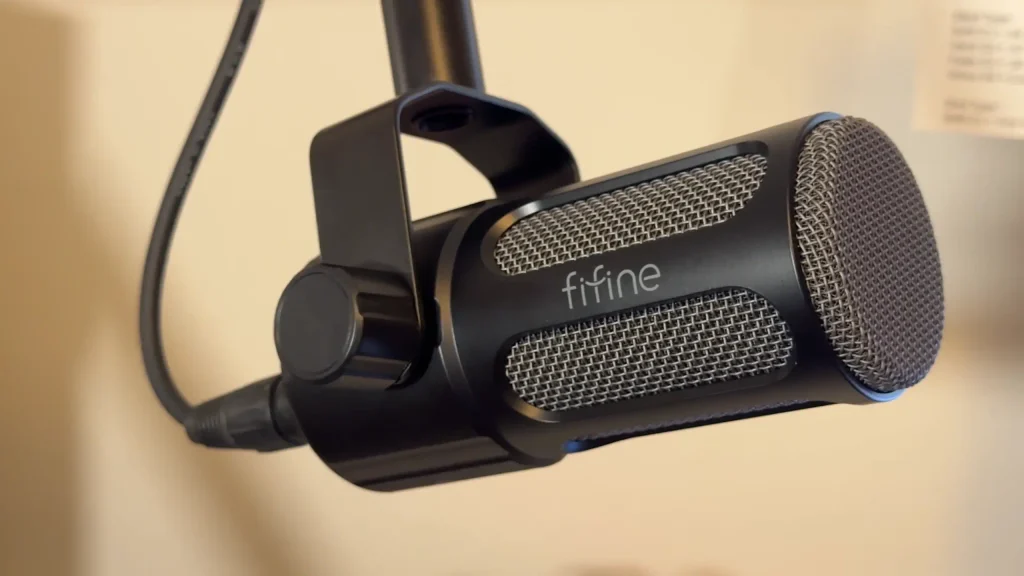
The Tank1 microphone keeps things simple. The cardioid pattern drops off sharply at the sides and rear, which helps in an untreated room. There are two switches on the back. The low-cut filter trims rumble and other low-end noise. The mid-boost adds clarity and precision to your voice, so you spend less time on EQ later.
@peterpoehle, a content producer, recorded his entire fifine Tank1 review with only normalization in the edit. When he flipped the mid-boost, his voice came through noticeably clearer, with no EQ on his computer or mixer.
2. fifine K688: Best USB/XLR hybrid microphone
Verdict: 8.6/10 | Sound quality 7.5 | Noise rejection 8 | Build quality 9 | Features 9.5 | Value 9
Pros
- USB-C and XLR outputs in one mic
- Metal body and metal shock mount
- Silent touch mute with a red/green status light
- Headphone monitoring and on-mic gain
Cons
- Slightly muffled low mids, according to one reviewer
- Trailed the cheaper K669D on XLR in a blind test
- No XLR cable included
The fifine K688 USB&XLR microphone is the mic to buy if you want to start on USB and grow into XLR. You get both outputs, a metal shock mount, a touch mute and headphone monitoring for about $70 to $80. On XLR alone, its sound trails the best mics here.
The K688 microphone is hot out of the box. On USB with every level maxed, Jermaine from @TekToyzGaming hit the red in OBS from 4 to 5 inches away, so turn the on-mic gain down first. Over XLR, the on-mic gain knob stops doing anything; your mixer or interface sets the level. Through the fifine SC3 mixer, the XLR signal ran slightly hotter than USB.
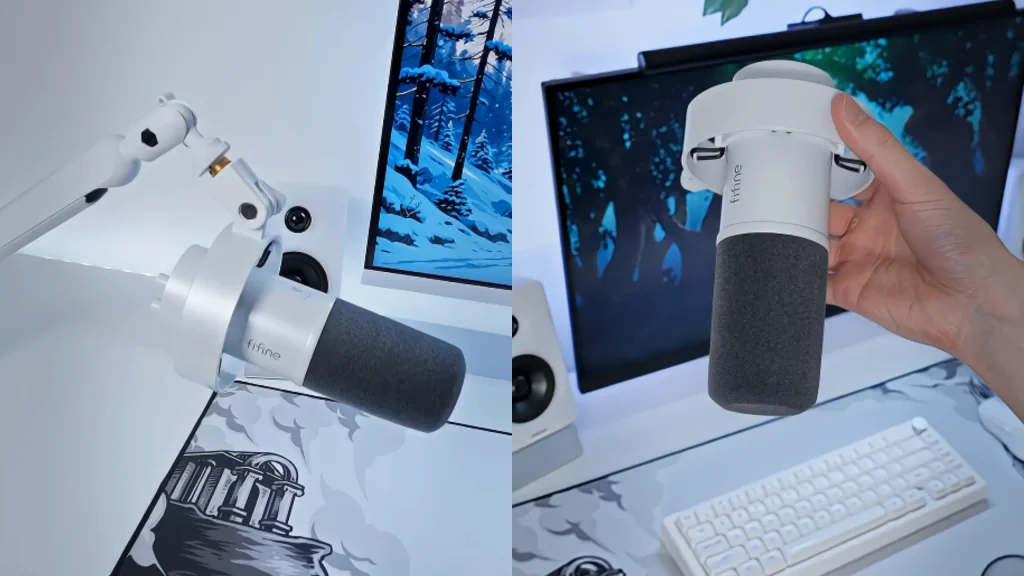
Plosives didn’t clip, but some sibilance crept in when he was right on the mic. Lean back and your level drops fast, which keeps PC fans and HVAC hum down. The keyboard noise came through clearly without processing. But a basic OBS noise suppression filter saved it.
3. Shure SM7B: Best XLR microphone for pro studios
Verdict: 8.4/10 | Sound quality 9.5 | Noise rejection 9.5 | Build quality 9.5 | Features 7 | Value 6.5
Pros
- The benchmark podcast sound
- Clean and crisp across voice types
- Built to last
Cons
- Needs a lot of gain
- About $400 before you add a capable preamp
The SM7B is the sound most people picture when they think “podcast.” It’s durable, crisp on both male and female voices and still the default pick at many studios. The catch is gain: budget interfaces can’t drive it properly.
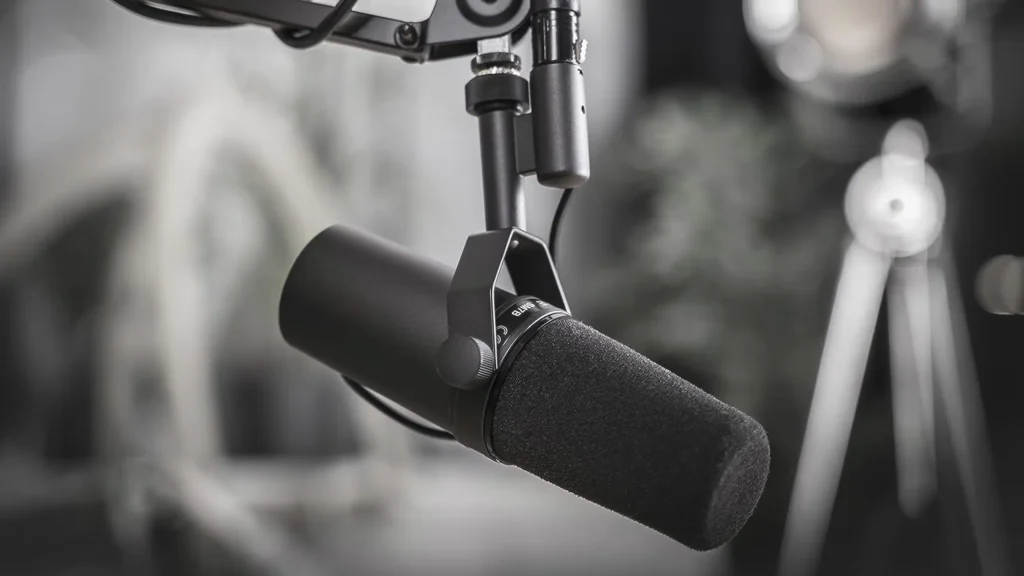
Steve, from @psscreativemedia, calls the SM7B the most popular podcast mic around and his default recommendation for clients. But in the seven-mic blind test, the fifine SC1 couldn’t supply enough gain, and the reviewer had to boost it in post.
Budget for a stronger preamp or an inline booster. Or consider the Shure SM7dB: for about $100 more, it adds a built-in preamp with +18 dB or +28 dB of boost via phantom power, and still works passively like a standard SM7B.
4. fifine K669D: Best budget XLR microphone
Verdict: 8.2/10 | Sound quality 8.5 | Noise rejection 8.5 | Build quality 8 | Features 6 | Value 10
Pros
- Lower noise floor than the PodMic in blind testing
- Natural tuning that isn’t boomy
- Metal body with a removable plastic mount
Cons
- XLR only, with no on-mic controls
- Top-address design takes getting used to
- More handling noise than the PodMic
The fifine K669D XLR microphone is sleek, light and no-frills. You speak into the top, much like Elgato’s Wave mics, rather than the side. The plastic mount screws off if you want a different attachment.
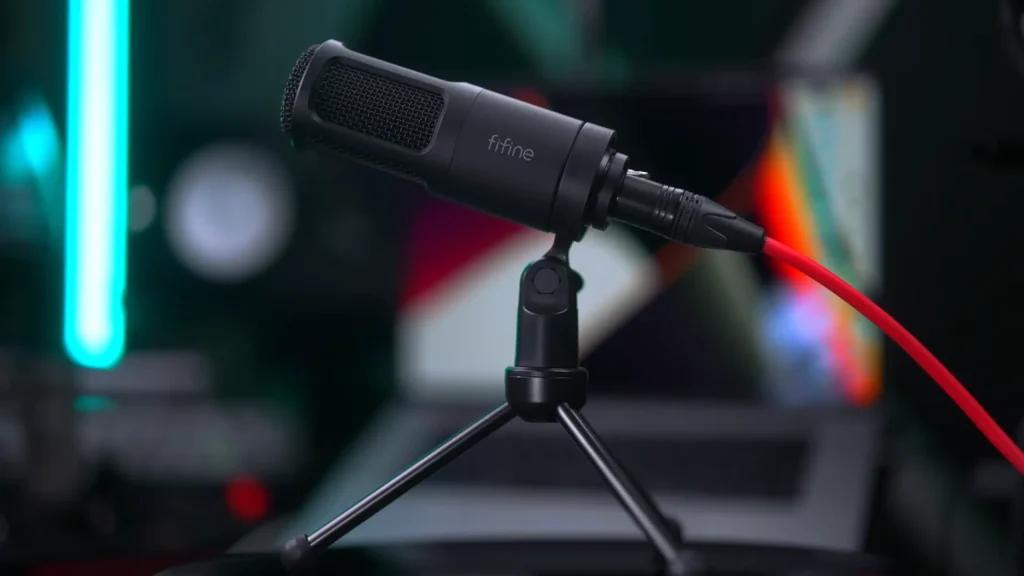
Content Creator @DarkenedCyrus tested the fifine K669D mic by reading Sun Tzu with seven mics. The fifine K669D XLR microphone landed in his top. As a tenor, he found its tuning a natural fit and said he’d only add a touch of bass.
It was EQ’d well not boomy in the bass, not too much in the highs; it just felt natural for my voice.
@DarkenedCyrus tested fifine K669D mic vs 7 microphones
Pair it with the SC1 audio interface and the kit costs roughly what a PodMic costs alone. Remember it’s top-address, so speak into the end, and add a shock mount if you tend to bump your desk.
5. Electro-Voice RE20: Best XLR microphone for close-up broadcast voice
Verdict: 8.1/10 | Sound quality 9.5 | Noise rejection 9 | Build quality 9 | Features 7 | Value 6
Pros
- Minimal proximity effect up close
- Clear articulation with a rounded tone
- Proven in both broadcast and music
Cons
- Most expensive mic here, at about $450
- Gain hungry
Electro-Voice RE20 XLR microphone is built as a music mic. Broadcasters picked it up for one reason: how it handles a voice up close.
Most mics get dramatically bassier as you move in. That proximity effect is a big part of the classic radio voice. The Electro-Voice RE20 microphone largely avoids it, so you can get right on top of the mic and your tone stays consistent. It still captures the clarity and articulation of your voice, with a rounded, colorful tone.
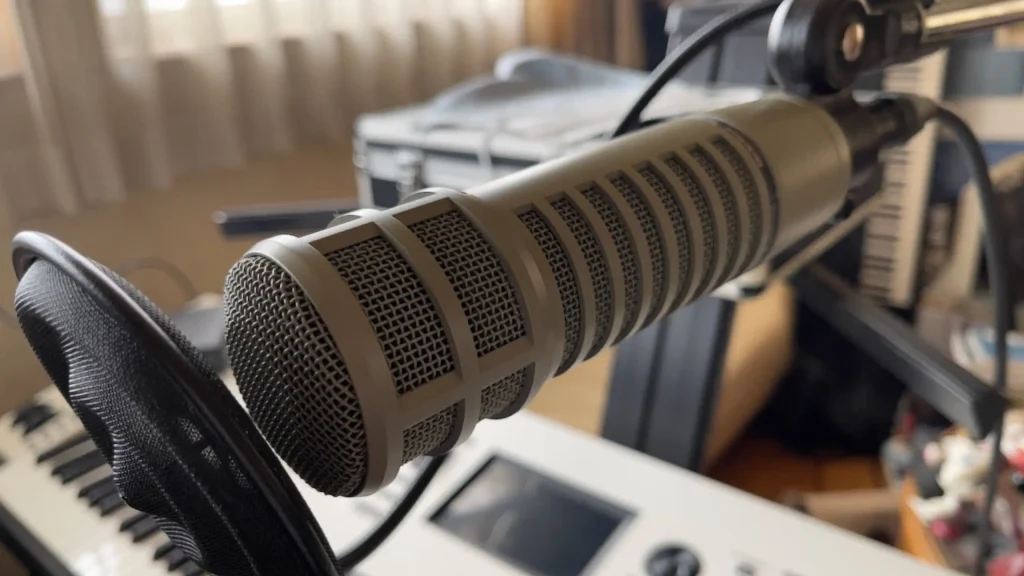
It started life as a kick drum mic before broadcasters adopted it for its clarity. It’s the priciest mic here and, like the SM7B, needs plenty of gain. Plan for the same high-gain setup you’d give an SM7B.
6. RØDE PodMic: Best XLR microphone for travel and shared studios
Verdict: 7.8/10 | Sound quality 7.5 | Noise rejection 8.5 | Build quality 9 | Features 6.5 | Value 7.5
Pros
- Rugged, travel-ready build
- Internal shock absorber cuts handling noise
- Handles noisy rooms well
Cons
- Higher noise floor than the $36 K669D in blind testing
- No on-mic controls or tone switches
The PodMic is the long-standing budget recommendation, and it’s still a tough, versatile mic. An internal shock absorber keeps handling noise down. But at $100, it now faces cheaper rivals that sound cleaner.
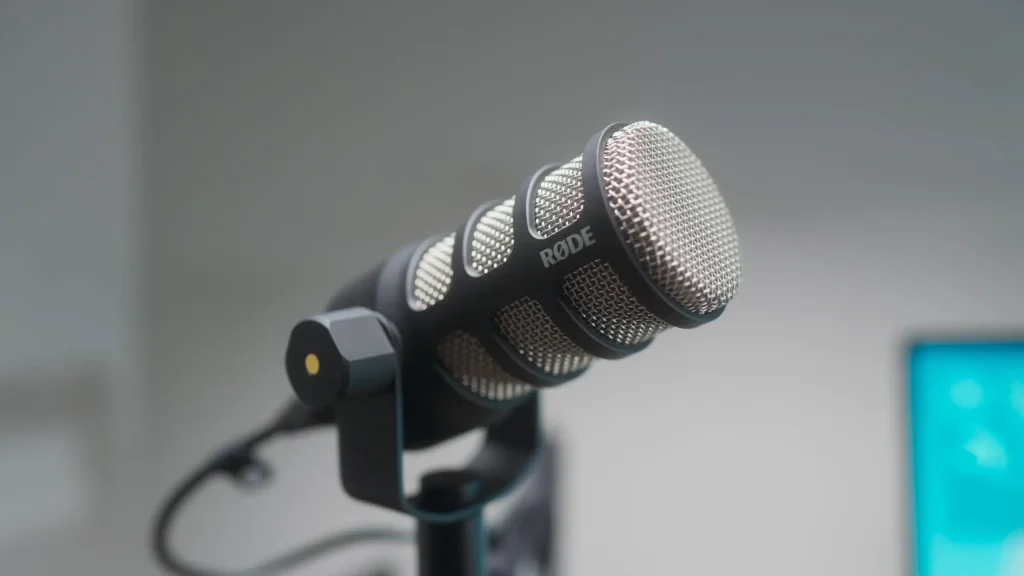
Steve from @psscreativemedia still calls the PodMic his go-to for tight budgets. It’s versatile across recording spaces and solid in noisy rooms. The catch? It’s at a high price. But if durability and low handling noise matter most, pick it.
XLR Microphone vs. USB Microphone
A USB microphone plugs straight into your computer. An XLR microphone sends an analog signal to an interface or mixer, which converts it for your computer. That extra box costs money but gives you more control and a clearer upgrade path.
| USB microphone | XLR microphone | |
|---|---|---|
| Connects to | Computer directly | Audio interface or mixer |
| Setup | Plug and play | Needs an interface and XLR cable |
| Upgrade path | Replace the whole mic | Upgrade the mic or interface separately |
| Multiple mics | Tricky | Easy with a multichannel interface or mixer |
| Starting cost | Lower | Higher |
Not ready to commit? A hybrid like the fifine K688 lets you start on USB and switch to XLR later. Want to know more? Check our USB microphone vs XLR microphone guide.
What to Look For When Buying an XLR Microphone
Sound quality
Listen to raw, unprocessed samples, blind if you can, since brand names bias your ears. Match the tuning to your voice: a mic that sounds natural on a tenor may need more or less bass for yours.
Noise rejection
Dynamic cardioid mics reject sound from the sides and rear, which suits untreated rooms and gaming setups. Check how sharply sound drops off-axis, the noise floor and handling noise.
See our on-axis vs. off-axis mic placement guide to learn more. Want to see more noise-cancelling microphones? Check our best noise-cancellation microphone list.
Build quality
Metal bodies last longer and look better on camera, but heavier mics like the Tank1 need a solid boom arm. Check the mount thread too: many mics use 5/8-inch threads, so you may need a 3/8-inch adapter.
Features and gain needs
Look for tools that save editing time, like tone switches, a mute button or headphone monitoring. Then check how much gain the mic needs, because that decides your interface.
| Gain needs | Mics in this guide | Pair it with |
|---|---|---|
| Works with a budget interface | fifine K669D, fifine K688 | An entry-level interface such as the fifine SC1 |
| Benefits from a stronger preamp | fifine AmpliTank Tank1, RØDE PodMic | A mid-range interface with clean gain |
| Gain hungry | Shure SM7B, Electro-Voice RE20 | A high-gain interface or inline booster |
Conclusion
If you want one mic that handles most jobs well, start with the fifine AmpliTank Tank1 XLR microphone.
Still, the best XLR microphone is the one that fits your setup. Choose fifine K669D XLR microphone on a budget. Not ready for an interface? The fifine K688 lets you start on USB-C and switch to XLR later. With plenty of gain on tap, the Shure SM7B remains the benchmark, and the Electro-Voice RE20 keeps your tone steady up close. Always on the move? The RØDE PodMic shrugs off rough handling.
Still unsure? Ask us in the comments. Ready now? Grab the Tank1 and hit record.
FAQ
Do XLR dynamic microphones need phantom power?
No. Dynamic mics generate their own signal. Phantom power is for condenser mics and active circuits, such as the built-in preamp in the Shure SM7dB.
Do these mics come with an XLR cable?
The fifine AmpliTank Tank1 and K688 XLR microphone don’t, so budget for one. The K688 mic does include a USB-C cable.
Is the Shure SM7B worth it for beginners?
Only if you’re ready to invest in a high-gain interface or booster. Otherwise, a budget mic with a matched interface will sound better than an underpowered SM7B.
Which XLR mic is best for streaming and gaming?
The fifine K688 XLR microphone. Its touch mute, headphone monitoring and dual outputs suit live sessions.
