
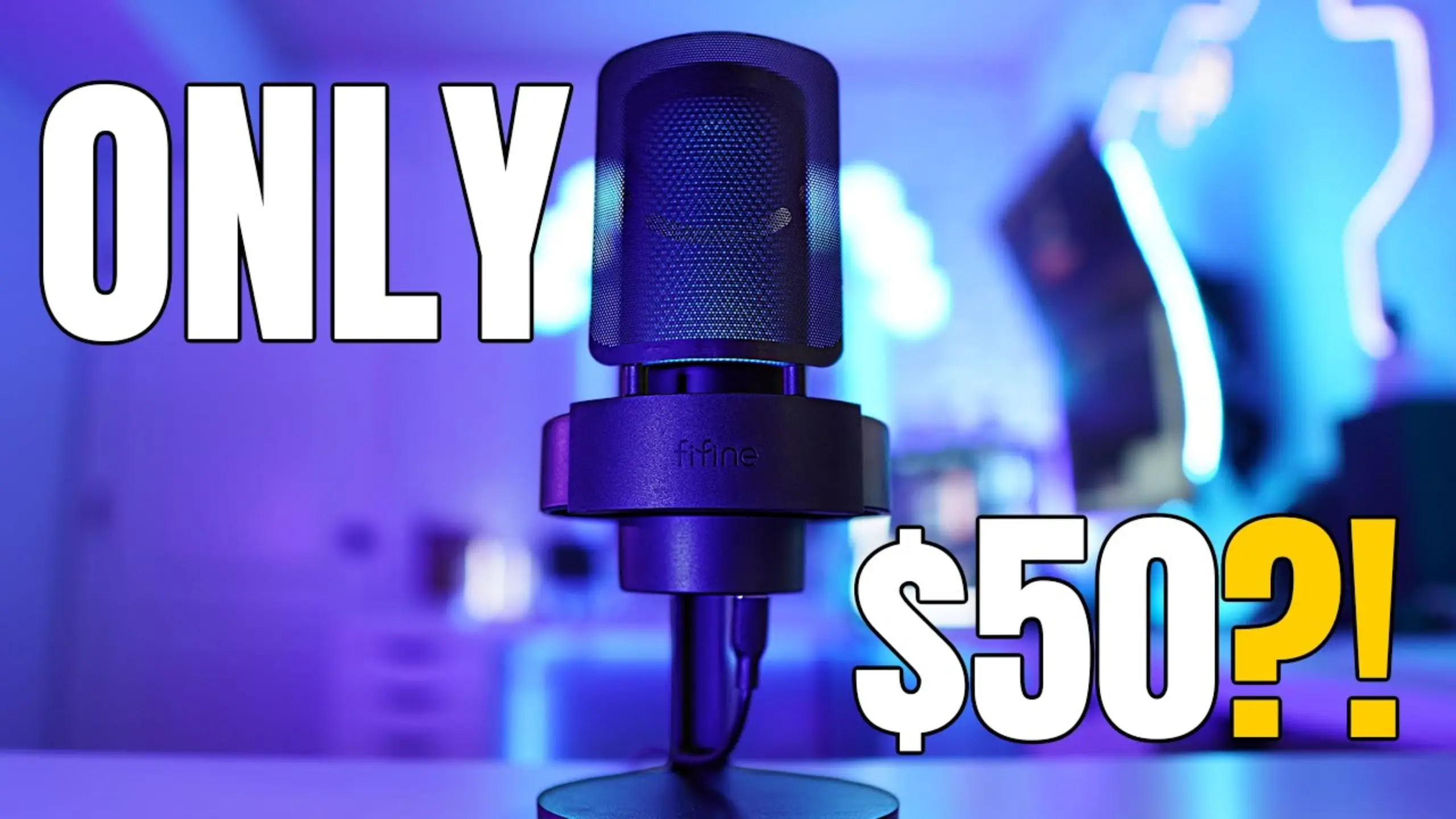
FIFINE A8 Review: Surprisingly Clear Audio for a Budget Mic

Budget microphones don’t mean you’re recording inside a tin can. FIFINE A8 microphones break that pattern. At roughly $50, this plug-and-play condenser mic has earned a loyal following among gaming content creators. Even if the FIFINE A8 doesn’t quite possess the same fervent popularity as the AM8, the fact that it has garnered such widespread affection is by no means a coincidence.
We tested the A8 across multiple setups and compared it against mics costing three to five times as much. Here’s how it performed across seven scoring categories.
Quick Verdict on FIFINE A8 Review
Pros
- Impressive sound quality for a sub-$50 mic
- True plug-and-play — zero software needed
- Capacitive touch mute button (no click noise)
- Included pop filter handles plosives well
- Weighted desk stand with integrated shock mount
- USB-C connectivity
- RGB lighting with full off option
- 3.5mm monitoring jack
Cons
- The gain dial on the back is awkward to reach
- USB-C port on the bottom complicates cable routing
- Body is lightweight plastic — feels fragile
- The boom arm adapter feels cheap; no adapter pack included
- Headphone monitoring volume is low
- Picks up more ambient noise than dynamic alternatives
FIFINE A8 Review Details: Exploring 7 Aspects
Sound Quality — 8.5 / 10
This is where the A8 genuinely surprises. At 50% gain, positioned about four inches from your mouth, the raw audio is warm, clear, and full-bodied. @Rawan’s Reviews compared it directly against the Rode PodMic USB ($200) and found that it would struggle to hear a difference — especially once audio hits YouTube or Twitch compression.
With three free VST plugins and five minutes of OBS setup — a compressor, noise suppression, and some gain staging — the A8 sounds closer to a broadcast mic than a budget USB stick. @Gamer Heaven noted it rivaled his $400 Shure SM7B for plosive handling.
I’m not saying this is a better mic than a Shure SM7b. But the plosive rejection with that included pop filter is fantastic, and the pop filter is also very low profile. It’s not going to take up much of your peripheral vision, so if you are doing some gaming, it’s not going to be distracting cosmetically.
@Gamer Heaven shared a YouTube video about the FIFINE A8 review.
At higher gain levels (75% on both mic and OS), peaks hover around -9 dB with a usable noise floor. The sweet spot for most users sits between 50–70% gain on the dial with your system input at 50%.
Build Quality — 7.0 / 10
The FIFINE A8’s body is entirely plastic — and it feels like it. At 242 grams, holding the mic feels almost weightless. The matte black finish looks sharp, but the thin shell won’t inspire confidence if you’re rough with your gear.
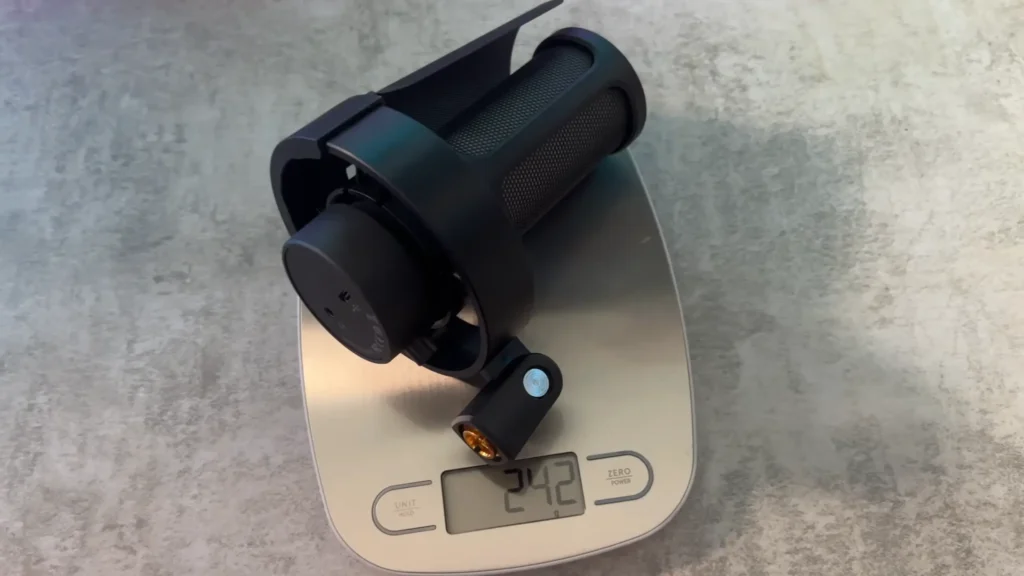
The desk stand tells a different story. Its weighted base with rubberized grip keeps the mic stable even at steep angles, and the integrated shock mount absorbs desk bumps well. The stand’s hinge, however, feels cheap.
@Gamer Heaven has suggested that a boom arm would be better than the desk stand. FIFINE got it. The A8T microphone kit increased the boom arm, allowing you to have a more flexible position and get better sound easily.
Because the microphone’s closer to your mouth, away from sound sources like your clicking keyboard or controller. You can take advantage of what’s called the proximity effect of your microphone, giving you that radio-esque broadcaster voice.
@Gamer Heaven Shares on His YouTube.
Ease of Use — 9.0 / 10
Plug it in. It works. No drivers, no companion software, no firmware updates. The A8 auto-defaults your system’s input and output the moment you connect via USB-C. Windows 10/11, macOS, and PS4/PS5 all recognize it instantly.
The physical gain dial lets you adjust sensitivity on the fly. The capacitive touch mute button on top is a standout: tap it, the LED ring turns red, and your audio cuts silently — no pop or click. For streamers who need to mute fast, this beats mechanical buttons every time.

The one usability gripe: that gain dial lives on the back of the mic. You can’t glance at it — you have to rotate the mic to check your level. A little inconvenient here.
Plosive Handling — 8.5 / 10
The included metal pop filter does real work. In direct “Peter Piper” plosive tests at four inches, the filter knocked down harsh P and B sounds effectively. Remove it, and you’ll immediately hear the difference — pops come through hot. With it on, plosives are well-controlled even without any post-processing.
The pop filter is also low-profile. It doesn’t eat up your peripheral vision the way some bulky aftermarket foam covers do, which matters if you’re gaming and don’t want a visual obstruction near your face.
Noise Rejection — 7.2 / 10
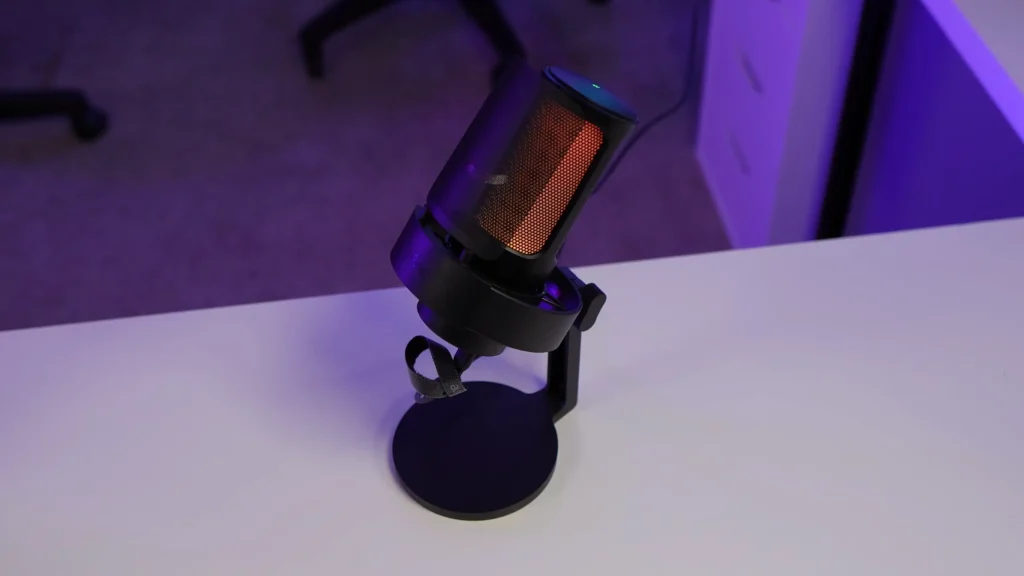
Here’s where the A8’s condenser design shows its trade-offs. Condenser mics pick up more ambient sound than dynamic mics, and the A8 is no exception — HVAC hum, keyboard clicks, and echoes from untreated walls all register.
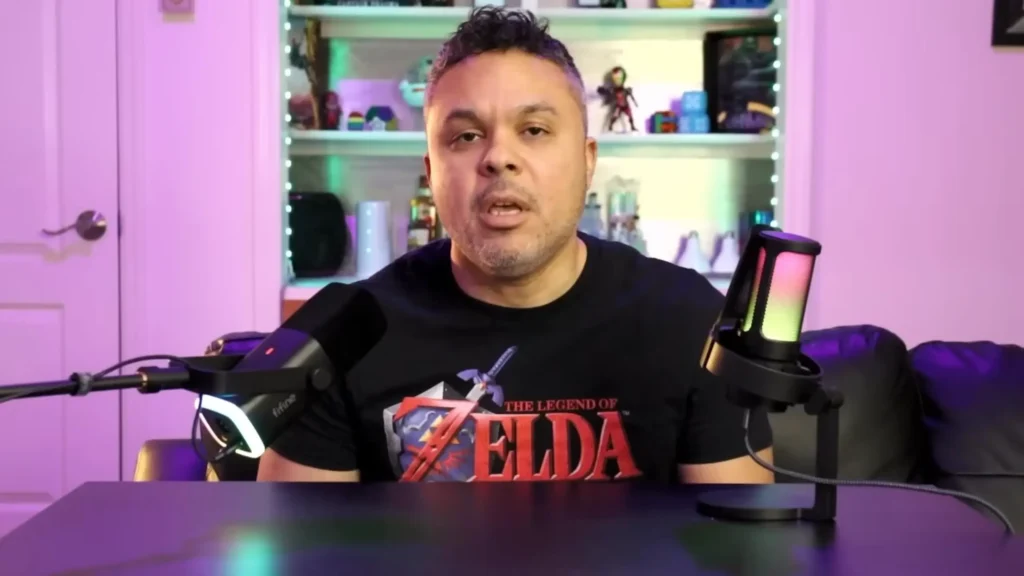
In a side-by-side test of A8 and AM8, the A8 showed noticeably higher background pickup than the dynamic FIFINE AM8. If your recording space is noisy, pair the A8 with noise suppression in OBS.
A8 is doing a lot more pickup than AM8 here. This comes pretty hot out of the box. It is definitely a little bit more sensitive than the am8. So if you wanted to have it at a distance from you, it will do a better job at picking up your voice.
@TekToyzGaming shares on his A8 vs AM8 review.
Off-axis rejection follows the expected cardioid pattern. Audio from the sides and rear drops off clearly. Mechanical keyboard noise from behind the mic registered, but at levels a basic noise gate handles easily.
Features — 8.2 / 10
For a $50 mic, the feature set punches above its class. Capacitive touch controls for mute and RGB feel premium. You get nine colors across three lighting modes, and a long-press turns the lights off entirely.
The 3.5mm headphone jack offers real-time monitoring. One caveat: monitoring volume runs quietly unless the gain is set high. USB-C connectivity is standard — welcome at this price. The included six-foot cable may fall short for large desks; a 10-foot cable would’ve been smarter.

Value for Money — 9.5 / 10
At $48–$52, you get a complete kit — mic, stand, shock mount, pop filter, boom arm adapter, and cable. Competing mics at this price usually ship bare, and standalone boom arms alone run $15–$30.
When tested against a Rode PodMic USB ($200) and Rode VideoMic NTG (~$250), multiple reviewers concluded the A8 doesn’t sound five times worse — not even close. For USB audio in a voice-forward use case, this price-to-performance ratio is the best in the current budget market.
Bottom line on value: If you’re spending $55 on a mic and it sounds 80–90% as good as options four times its price, that remaining 10–20% becomes very hard to justify for most creators starting.
Who Is This FIFINE Condenser Mic For?
| If You’re a… | The A8 Is a Good Fit Because… |
| New Streamer | Plug-and-play setup means you’re live in minutes, not hours. The complete kit saves you from buying accessories separately. |
| Gaming YouTuber | Raw audio quality holds up well under YouTube’s compression. Pair it with free OBS filters, and your voiceovers will sound clean. |
| TCG / Unboxing Creator | The cardioid pattern picks up pack-opening crinkles and card sounds clearly at a natural working distance. |
| Budget-Conscious Podcaster | Solid voice quality for solo recording. For multi-person setups, you’d need individual mics, but a single A8 handles one host well. |
| Second-Setup Mic | If you already have a premium XLR setup and need something reliable for a secondary desk or travel rig, the A8 fills that role without guilt. |
The A8 is not ideal if you record in a noisy, untreated room and refuse to use software noise filtering, or if you need XLR connectivity for a professional mixer chain. In those cases, look at the FIFINE AM8 instead.
FIFINE A8 Alternatives
FIFINE AmpliGame AM8
8.4 / 10
The AM8 is FIFINE’s dynamic counterpart to the A8. It rejects background noise far more aggressively, produces less sibilance, and includes an XLR port for future audio interface upgrades. The trade-off: shorter pickup range, so you need to stay close. If your room is noisy or you plan to move to XLR, the FIFINE AM8 is the better long-term pick.
- Pros: Superior noise rejection, XLR option, lower sibilance, and monitoring volume control on the front.
- Cons: Shorter pickup range, no shock mount, slightly higher price.
Rode PodMic USB
8.8 / 10
The Rode PodMic USB is the step-up choice for creators who want a premium build and richer tone. All-metal construction, noticeably smoother audio, and dual USB/XLR connectivity. At four times the A8’s price, the sound gap may not justify the cost for beginners — but it’s a mic you’ll keep for years.
- Pros: Premium build, richer tone, dual USB/XLR, robust software ecosystem.
- Cons: $200 price tag, no included stand or boom arm, and heavier.
Final Verdict on FIFINE A8 Review
The FIFINE AmpliGame A8 has a few rough edges — the plastic body, the rear-mounted gain dial, and the too-short cable. None of them matter enough to undermine what this mic actually delivers: clean, full-sounding audio at a budget price point for everything else a new creator needs.
It won’t replace a dedicated XLR setup for serious voice work. But for something that sounds good right without a fuss setup, A8 is quite a good recommendation.
FAQs about FIFINE A8 Microphone
Does the FIFINE A8 require any drivers or software?
No. The A8 is fully plug-and-play. Connect it via USB-C, and your computer recognizes it instantly as both an input (microphone) and output (headphone monitoring) device. No drivers, no companion app.
Can I use the A8 on a boom arm instead of the desk stand?
Yes. The A8 ships with a pivot mount adapter for boom arms. However, the adapter is plastic and doesn’t include thread adapters for all boom arm sizes. You may need a separate 3/8″ to 5/8″ adapter depending on your boom arm. The updated A8T microphone kit version comes with a boom arm included.
How does the A8 compare to the FIFINE AM8?
The A8 is a condenser mic with a wider pickup range and more sensitivity. The AM8 is a dynamic mic that rejects background noise better and includes an XLR port. Choose the A8 if your room is quiet and you want more flexibility with distance. Choose the AM8 if you need noise rejection or plan to use an audio interface later.
Is the A8 good for music recording?
For casual vocal recording and demos, the A8 does a decent job. For serious music production with instruments, you’d be better served by the AM8 via its XLR output into a proper audio interface, which gives you far more control over signal quality.
Can I hear game audio through the A8’s headphone jack?
Yes. Set the A8 as your system’s audio output device, and your game audio, Discord calls, and other sounds will route through the 3.5mm monitoring port to your headphones.
