
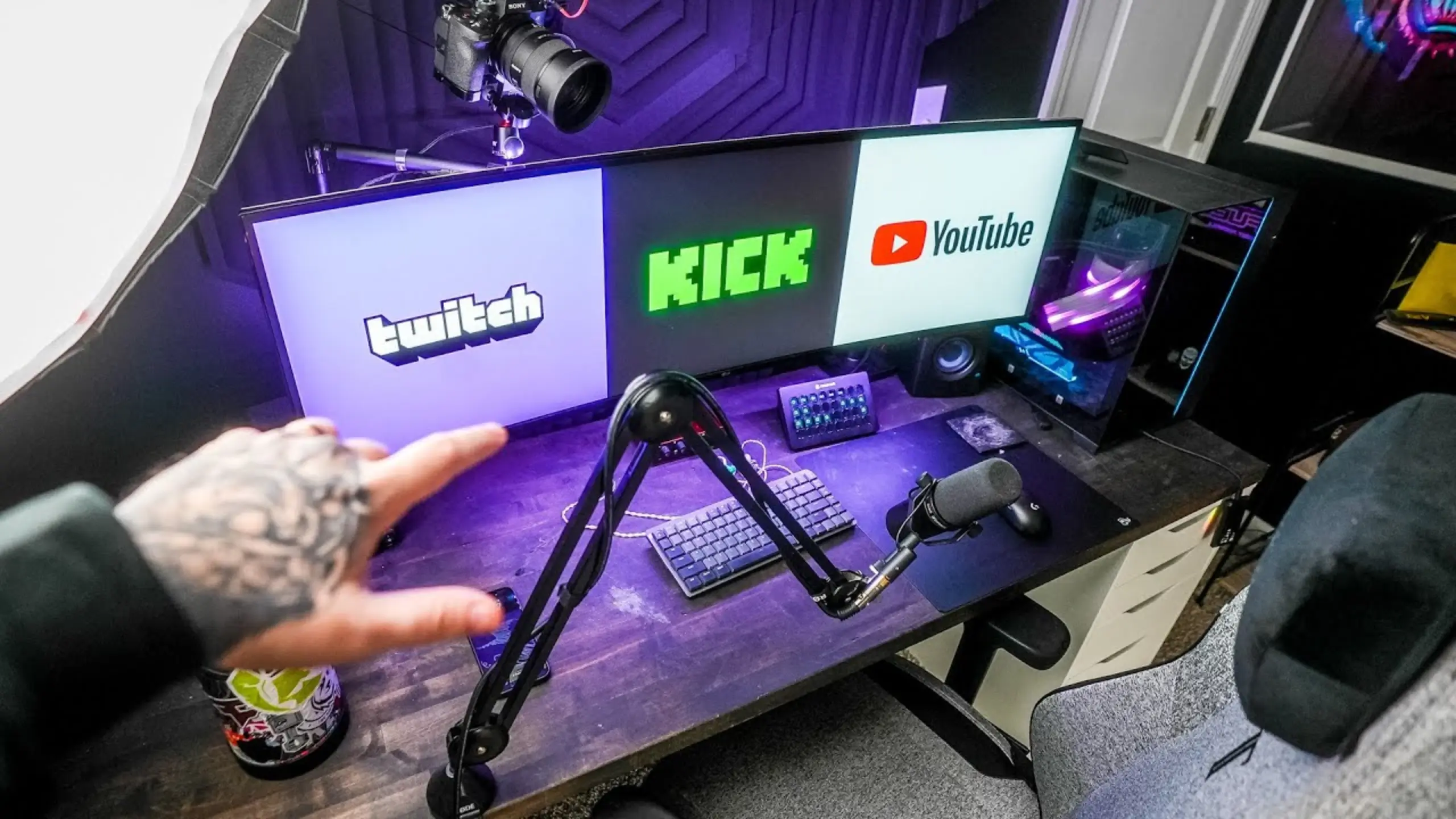
Best Live Streaming Platforms in 2026: Where to Start Streaming?

Today’s live streaming platforms serve distinct niches rather than a one-size-fits-all audience. Each one attracts a different crowd, charges different rent, and gives you different tools to work with.
In this post, we evaluated the best live streaming platforms across the criteria that matter most: discoverability, engagement, monetization, ease of use, and streaming features. Whether you’re going live first or rethinking your platform strategy, here’s exactly what you need to know.
YouTube Live: Best Overall Live Streaming Platform
Score: 8.5/10
| Pros | 🟣The algorithm recommends streams to new viewers 🟣VODs persist with ongoing discoverability 🟣Highest long-term ad revenue ($250–$500/month at 100 avg viewers) 🟣70/30 fan funding split 🟣Unified channel for videos + Shorts + live |
| Cons | 🟣Passive chat culture 🟣No channel point system or game integrations 🟣Steepest Partner requirements (1,000 subs + 4,000 watch hours) 🟣Limited bot support |
YouTube solved the biggest problem in live streaming — needing to be live for anyone to find you. When you go live, the algorithm pushes your stream to subscribers and new viewers alike. Ad revenue alone dwarfs Twitch: creators with 100 average viewers report $250–$500/month versus Twitch’s $40–$100.
On YouTube, you have one channel for your videos, shorts, and live streams. It doesn’t matter if people subscribe to you for your videos, your shorts, or your live streams.
Cryptographer Barry Eps shares on his YouTube Channel @ContentDelta.
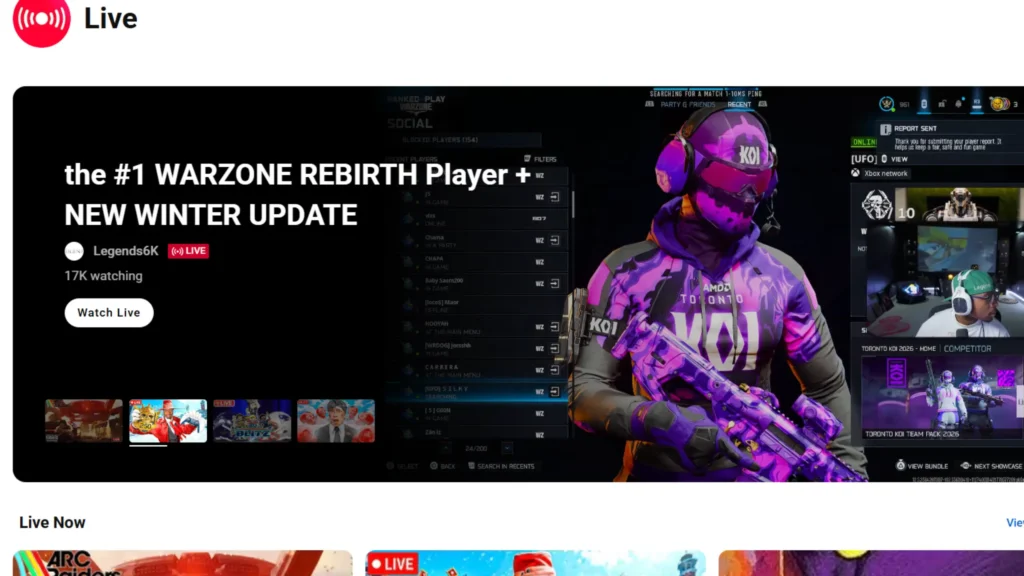
Once your streaming is done, it auto-saves as a VOD that continues climbing search results. For creators who want their streams to keep generating views and revenue long after the broadcast ends, Youtuber Live is an all-around pick.
The trade-off? Chat engagement is noticeably quieter than on Twitch, and there are no native channel point rewards. Also, engagement is weak. YouTube chat can go 10 minutes without a message, even with 20–30 viewers. On Twitch, the same count produces near-constant conversation.
Twitch: Best Live Streaming Platform for Community Engagement
Score: 8/10
| Pros | 🟣Best-in-class chat engagement with near-zero latency 🟣Channel point rewards and extensions 🟣Extensive automod and shield mode 🟣Stream Together collabs |
| Cons | 🟣Poor discoverability for small streamers 🟣Must be live to be visible 🟣Lower ad revenue 🟣50/50 starting split (70/30 only at 300+ monthly paid subs) |
No platform builds tighter streamer-viewer relationships. Low-latency chat, channel points, game integrations, and moderation tools create a space where communities genuinely form around creators.
When you’re streaming on Twitch, one biggest features of Twitch is “Stream Together”. It allows you to “collab with other streamers, even allowing you to add their webcam and stream to your screen.” Twitch has built around the interaction with the streamer, the streams, and the chatters.
If there’s one thing Twitch does better than anything else, it is this. And that is because their platform is 100% dedicated to live streaming.
Barry Eps shares on YouTube
Twitch feels faster and more alive now. It has reduced stream-to-chat latency to seconds, making real-time conversation feel natural. Channel point rewards let viewers trigger sound bites, unlock emotes, or influence gameplay. Extensions allow viewers to interact with games through chat commands. Automod is fully modular, and shield mode locks down your chat instantly during emergencies.
How about the challenge?Growth. Twitch ranks channels by viewer count, burying newcomers. Most viewers don’t browse — they check who they follow, and if nobody’s live, they leave. Also, affiliate requirements include 25 followers, 4 hours across 4 days, and 3 average viewers over 30 days. Revenue starts at 50/50, climbing to 70/30 only at 300 paid subs monthly for three consecutive months.
Kick: Best Revenue Share for New Streamers
Score: 7.5/10
| Pros | 🟣95/5 split ($4.75 per $5 spent) 🟣Partner pay based on average viewers 🟣75-follower affiliate threshold 🟣Fewer streamers per category 🟣On-screen gifts |
| Cons | 🟣Weaker moderation tools 🟣Bot spam issues 🟣Same “must be live” discoverability problem 🟣Smaller audience base |
Like Twitch, Kick also features low-latency chat, a similar culture, and channel point redemptions. The difference is the implemented gifts. You can spend kicks and make things appear on screen for both the streamer and viewers.
Kick’s 95/5 revenue split is the most generous in the industry. A viewer spending $5 puts $4.75 in your pocket on Kick, compared to $2.50 on Twitch at the default split. Kick partners with 1,000 average viewers report roughly $100/hour from partner pay; at 50 viewers, closer to $10/hour. Getting affiliate status requires just 75 followers and 5 hours streamed.
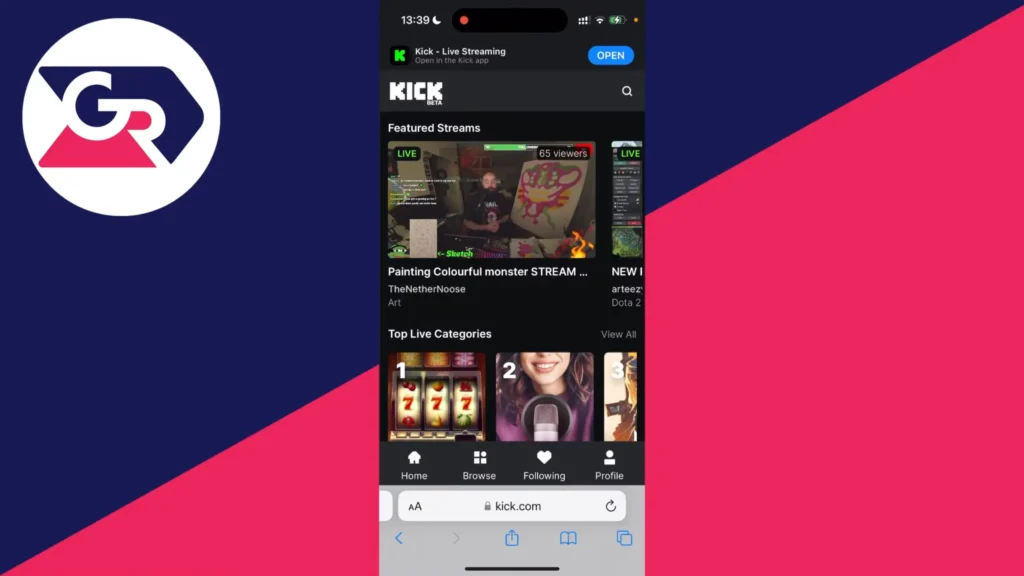
The platform’s youth shows. Automod is less versatile than Twitch’s, and without an anti-bot policy, creators face sudden floods of bot viewers that must be banned individually. The community culture skews younger and less moderated — think early-era Twitch.
TikTok Live: Best Live Streaming Platform for Discoverability
Score: 7/10
| Pros | 🟣The algorithm pushes streams to relevant viewers automatically 🟣Hundreds of millions of daily users 🟣Instant feedback on content quality 🟣Strong sponsorship potential |
| Cons | 🟣No real sub/donation culture 🟣Younger and less focused chat community 🟣Regulatory uncertainty in the U.S. 🟣Low ad revenue |
TikTok live streams are more likely to be seen by new users. TikTok is less intimidating for newcomers than Twitch and Kick. Its “For You” page algorithm suggests live material to individuals who watch similar themes. While its income potential via traditional live streaming platforms is limited, its power to draw viewers is unquestionable.
Twitch or Kick work on a “rich-get-richer” type of system. Meaning, if you already have viewers, you’re going to be reaching new viewers directly on the streaming platform. Whereas, if you only have two viewers, you’re going to be buried so far down in any category that no one is ever going to find you.
You are never going to be able to grow, and you are never going to reach new people directly on the platform.
Twatter shares on YouTube

How does TikTok suggest the live? Go live playing Fortnite, and anyone who watches Fortnite content might see your stream. No follower minimum needed for that exposure. With hundreds of millions of daily users scrolling, potential reach dwarfs traditional streaming platforms.
The smartest way to use TikTok is as a top-of-funnel tool. Stream on TikTok to reach new audiences, then funnel viewers to Twitch or Kick, where subscription and donation culture is established. But if you build a niche following, sponsorship opportunities can be lucrative and outpace what early-stage sub revenue would bring in anyway.
StreamYard: Best Streaming Tool for Beginners
Score: 7/10
| Pros | 🟣Browser-based with minimal CPU usage 🟣Guest invites via link (set up in minutes) 🟣Built-in green screen and screen sharing 🟣Lower thirds text |
| Cons | 🟣Free plan includes watermark and 20-hour/month cap 🟣Limited layout customization 🟣Video clips and overlays are locked behind paid tiers |
StreamYard is a browser-based streaming tool that makes going live ridiculously easy. Guest setup is as simple as sharing a link. It’s perfect for creators who stream a few times a month or run older hardware. Power users wanting full layout control should look at OBS Studio instead.
StreamYard handles encoding server-side, so almost any computer with a stable internet connection works. Adding a guest means sending a link — they click, grant camera/mic access, and they’re live. Compare that to OBS Studio, where you’d pipe in Zoom or Skype and manually position windows.

The trade-off is flexibility. Text is limited to lower thirds, layouts are preset, and overlays require a paid plan. OBS Studio offers unlimited customization — any font, any layout, motion overlays — all for free, but with a steeper learning curve and heavier CPU demands.
OBS Studio: Best Free Streaming Software for Power Users
Score: 8/10
| Pros | 🟣Completely free with no watermarks or hour limits 🟣Unlimited layout and scene customization 🟣Supports any font and text placement 🟣Advanced green screen with full crop and tweak controls, native multistreaming, and local recording |
| Cons | 🟣Steeper learning curve and manual setup required 🟣CPU-intensive (can struggle on older hardware) 🟣Adding guests requires routing through Zoom/Skype/Google Meet 🟣Recording while streaming can strain weaker systems |
OBS Studio is a free, open-source desktop application that gives you total control over every pixel of your broadcast.
What you can get in OBS Studio:
- Custom overlays
- Motion graphics
- Unlimited text placement
- Advanced green screen tweaking
- Stream to multiple platforms
- A steeper learning curve than StreamYard
OBS runs locally on your machine, which means you configure everything yourself — resolution, bitrate, encoding settings, scene layouts. You can add motion overlays, static overlays, videos of any length, and position every element exactly where you want it on screen.
Adding guests is where OBS shows its age compared to StreamYard. You’ll need to run a separate video call app (Zoom, Skype, or Google Meet), capture that window in OBS, and manually resize and position it.

Although some settings, like adding guests, take time and testing, for creators who prioritize visual production quality and want a tool that grows with them, OBS Studio is hard to beat.
Six Live Streaming Platforms Comparison
| Platform | Ideal For | Price | Target Audience | Screen Layout |
|---|---|---|---|---|
| YouTube Live | Tutorials, long-form gameplay, podcasts, episodic series | Free | Creators wanting discoverability + VOD longevity | Landscape |
| Twitch | Interactive gaming, chatting, and co-op streams | Free | Interactive streamers, gamers | Landscape |
| Kick | Gaming, IRL streams, and reaction content | Free | New streamers chasing revenue | Landscape |
| TikTok Live | Short-form entertainment, music, beauty/fashion, trending challenges | Free | Creators needing exposure, mobile-first streamers | Portrait |
| StreamYard | Interviews, panel discussions, webinars, podcast-style shows | Free (paid plans from $20/mo) | Beginners, podcasters, casual streamers | Landscape |
| OBS Studio | High-production gaming, green screen content, and talk shows | Free (open source) | Power users, production-focused creators | Landscape (customizable) |
Streaming Guide: What to Look for in a Streaming Platform
Discoverability
How does the platform help new viewers find you? YouTube and TikTok use algorithmic recommendations to push your content to people who’ve never heard of you. Twitch and Kick sort directories by viewer count, which buries small creators at the bottom. If growing your audience from scratch is the priority, weigh this criterion heavily.
Engagement Tools
Look for low-latency chat, channel point systems, game integrations, and moderation features. These tools turn passive viewers into active community members who stick around. Twitch leads here by a wide margin, with Kick steadily catching up. YouTube and TikTok lag on interactive features.
Monetization Structure
Compare affiliate requirements, revenue splits, and available income streams. Kick’s 95/5 split pays the most per dollar spent by viewers. YouTube’s ad revenue generates the highest passive income over time. Twitch starts at 50/50 but offers subs, bits, and ads. Factor in how quickly you can start earning — Kick’s affiliate bar is the lowest, while YouTube’s is the highest.
Ease of Use
Browser tools like StreamYard get you start your live streaming with zero configuration. Desktop software like OBS Studio takes longer to set up but offers far more control over your broadcast. Consider your hardware too — OBS can strain older machines, while cloud-based solutions run on almost anything.
Multistreaming Potential
Starting from zero? Stream to multiple platforms simultaneously. You have nothing to lose by testing Twitch, YouTube, Kick, and TikTok at once. Your personality and content style might click with one audience over another, and you won’t know until you try. OBS Studio supports multistreaming natively, and paid services like StreamYard and Restream simplify the process further.
Final Words on Live Streaming Platforms
After our searching and testing for the best live streaming platforms, YouTube Live wins as the best overall platform in 2026. Twitch remains untouchable for community interaction. Kick’s 95/5 split is hard to beat. For raw audience growth, TikTok Live puts you in front of more eyeballs, while StreamYard ensure the painless setup. And for full creative control at zero cost, OBS Studio is the power user’s best friend.
Platforms are just a tool. Your streaming content is key. Once you decide how to start your live streaming, you can multistream to various platforms and see where your personality clicks.
FAQs
Can I stream to multiple platforms at the same time?
Yes. OBS Studio can broadcast to Twitch, YouTube, and Kick simultaneously. Paid services like StreamYard and Restream also handle multistreaming.
Which platform pays the most per subscriber?
Kick offers a 95/5 split — $4.75 per $5 spent. Twitch starts at 50/50, and YouTube offers 70/30 on fan funding.
Is TikTok Live worth it for streamers?
As a discovery tool, absolutely. Use it to find your audience, then funnel them to Twitch or Kick, where monetization is stronger.
Do I need a powerful computer to stream?
OBS Studio runs locally and can tax older hardware. StreamYard runs in your browser and offloads processing to its servers, so almost any machine works.
How do I choose between Twitch, YouTube, and Kick?
Start by multistreaming to all three. Twitch favors interactive streams, YouTube favors evergreen content, and Kick favors fast monetization. Test them all, then commit to where your audience responds best.
