
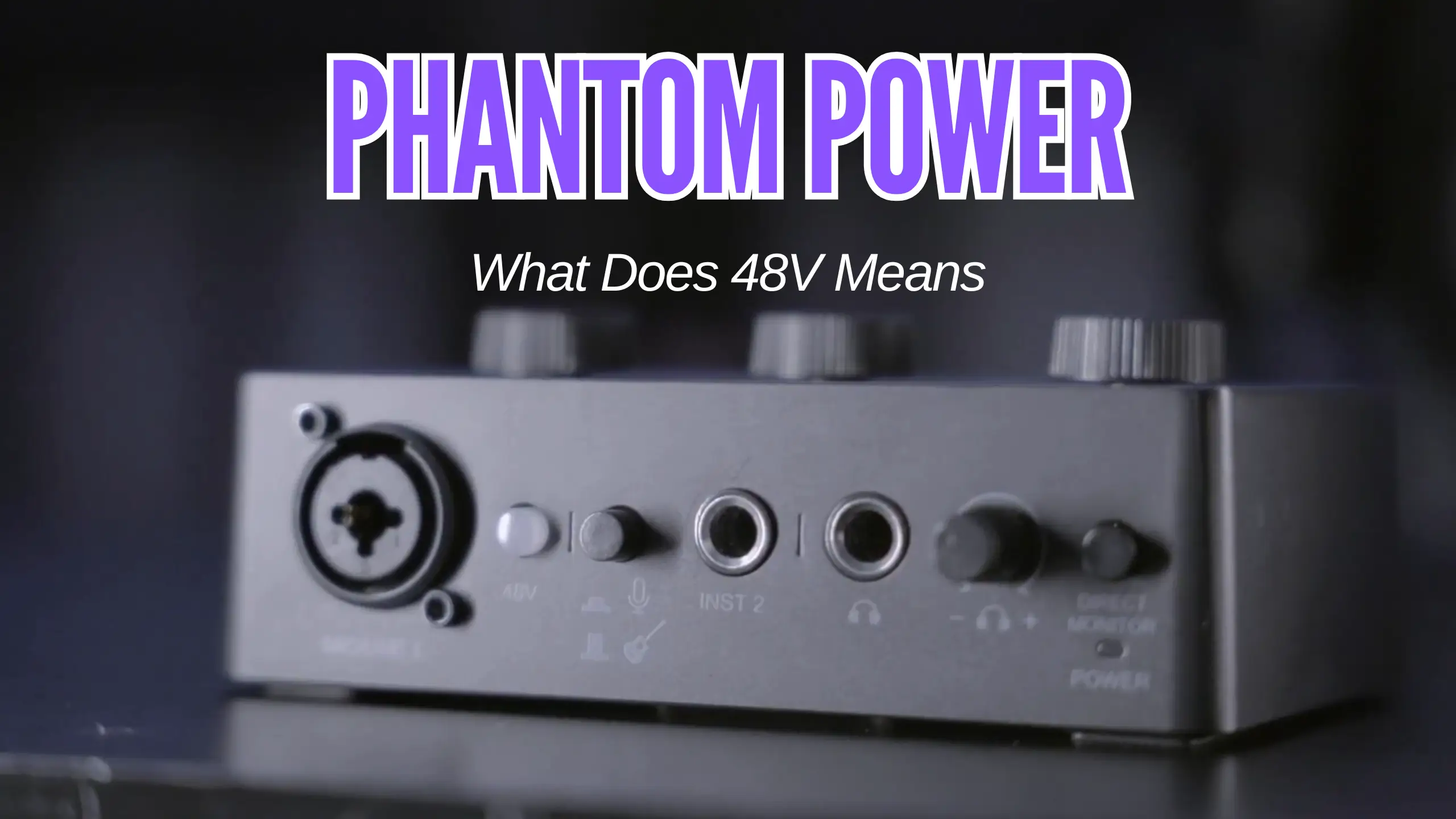
Phantom Power: What That 48V Button Actually Does

That 48V button isn’t there for decoration. It controls phantom power, and depending on what mic you’ve plugged in, it’s the difference between a usable recording and a dead channel.
The “V” stands for volts, and 48 is how many of them are sent up your XLR cable to power certain types of microphones. Some mics need it. Some don’t care either way. And ribbon mics can actually be destroyed by it. How does the phantom power actually work? Let’s dive into this guide and see what it is and why it matters.
What Phantom Power Actually Is
Phantom power is electricity. Specifically, 48 volts of DC current is sent from your audio interface, mixer, or preamp up the XLR cable and into the microphone.
The “phantom” part of the name comes from the fact that the power travels invisibly down the same three-conductor XLR cable that carries your audio signal. As Graham puts it in a phantom power explanation:
It’s like a ghost — it just shows up out of nowhere.
Graham Cochrane, @recordingrevolution
You don’t need a separate power cord. You don’t need batteries (most of the time). Plug in the XLR, press the button, and the mic gets juice.
So why does this exist? The condenser microphone needs internal electrical power to function. Without it, the capsule inside the mic sits dead and refuses to convert sound into a signal. Phantom power was the elegant solution: piggyback the electricity onto the same cable that’s already there.
Worth knowing: Dynamic mics ignore phantom power. Condensers depend on it. Ribbon mics can be ruined by it.
The Three Mic Types and Why Power Matters
Three main microphone families exist in the studio world, and each has a different relationship with that 48V switch. (If you’d like a deeper side-by-side on the two most common types, we’ve covered that in our condenser vs dynamic microphone guide.) Knowing which is which will save you a lot of headaches.
Dynamic mics — no power needed
A dynamic microphone is the workhorse of live sound. Inside, you’ve got a small magnet wrapped in a coil of wire and a diaphragm. When sound waves hit the diaphragm, the coil moves back and forth alongside the magnet, generating a small electrical signal that travels down the XLR cable to your preamp. No external power, no internal circuitry, no fuss.
Classic examples: the FIFINE AM8 and the FIFINE K688. Both are dynamic mics built for streaming, podcasting, and vocal recording — plug them into the XLR side of your interface, and you get a clean signal with no 48V button pressing required.
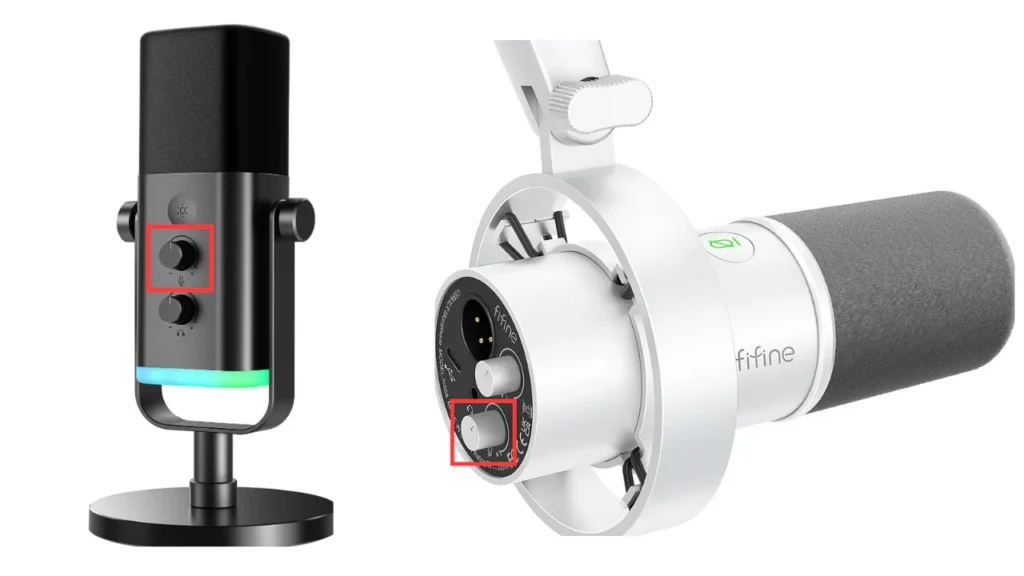
Dynamic mics are tough, simple, and great at handling loud sources without distorting. Snare drums, guitar amps, screaming vocalists — dynamics shrug it all off.
Condenser mics — phantom power required
Condensers use a completely different technology. Instead of a coil and magnet, there’s an extremely lightweight diaphragm sitting next to a backplate. The diaphragm moves almost effortlessly when sound hits it, which is why condensers pick up subtle detail that dynamics miss.

The catch: that delicate setup needs electrical power to work. The internal preamp circuitry inside the mic charges the capsule and converts its tiny movements into a usable signal. No phantom power, no signal. Hit the 48V button and the mic comes alive.
You’ll see many condenser microphones hanging over drum kits as overheads, set up for piano recording, and used for vocal takes in pretty much every commercial studio. Usually, a large-diaphragm condenser is the most versatile starting point.
Ribbon mics — keep phantom power OFF
Ribbon microphones use a thin strip of metal foil — the ribbon — suspended between magnets. The ribbon is incredibly delicate, often just a few microns thick. Sound waves move the ribbon, which generates the signal.
Here’s the warning, straight from audio engineer Drew Brashler:
A ribbon microphone will be destroyed if you apply phantom power to that microphone.
@DrewBrashler
Translation: applying phantom power to a vintage or unprotected ribbon mic can physically destroy the ribbon element. The 48V surge can deform or melt that fragile foil strip the instant you flip the switch.
Some modern ribbon mics are designed with protection circuits and can handle phantom power, but unless your manual specifically says it’s safe, treat 48V as poison for ribbons. When in doubt, leave it off.
Do USB Mics Need Phantom Power?
Short answer: no.
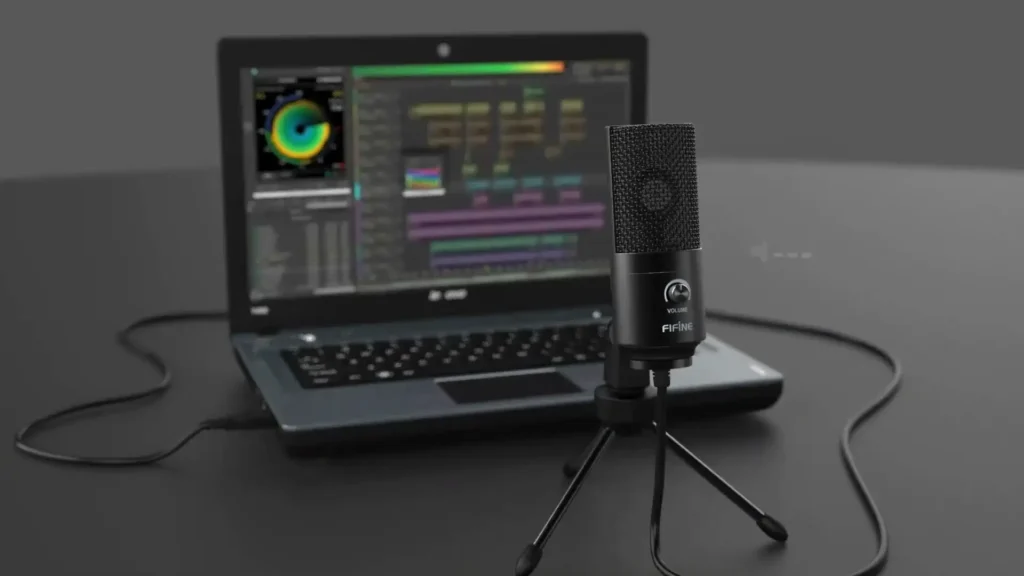
USB microphones are a different animal entirely. We break the formats down side-by-side in our XLR vs USB microphone comparison, but here’s the headline: a USB mic captures sound, converts it to digital inside the mic body, and sends ones and zeros straight to your computer over the USB cable. The team at Stamp Sound describes a USB microphone best:
A microphone with a built-in audio interface.
@StampSound
Phantom Power vs USB Power
The two power systems aren’t comparable. Phantom power runs at 48 volts down an XLR cable. USB delivers just 5 volts from your computer. That 5V is more than enough to run the small internal preamp and converter inside a USB condenser mic, but you’ll never see those XLR-style 48 volts in a USB setup.
Can phantom power damage a USB mic? No. The 5V USB connection physically can’t carry 48V, so even if you somehow tried to route phantom power to a USB device, those volts would never reach the capsule.
When USB mics work — and when they don’t
Honest take: USB mics are fantastic for podcasts, voice-over work, Zoom calls, and quick demo recordings. They’re plug-and-play, portable, and you don’t need to learn what an interface is to use one.
Where USB mics fall short is in serious music production. The 5V power and built-in budget converters can’t match the depth and richness of an XLR condenser. For podcast quality, you’ll never hear the difference. For multi-mic music sessions, you’ll outgrow a USB mic fast.
Do You Actually Need Phantom Power?
Before you go shopping for an interface with a 48V switch, figure out whether you’ll actually use it. Here’s a quick guide based on what you’re doing:
| Users Type | Need Phantom Power? |
|---|---|
| USB mic user | No — your computer handles power over USB |
| XLR condenser mic user | Yes, the mic won’t produce a signal without it |
| Dynamic gaming/streaming mic user | Usually, no. Most gaming dynamics run fine without it |
| Studio vocal recording (condenser) | Yes, phantom power is non-negotiable |
| Live sound with dynamic mics (FIFINE AM8/K688) | No, leave it off |
| Active DI box user (bass, keys) | Yes, active DIs need power, and phantom is the cleanest source |
| Ribbon mic user | No, and never turn it on unless your manual explicitly allows it |
Quick Pick: Anything with active electronics inside (condensers, active DIs) needs phantom power. Anything passive (dynamics, ribbons, passive DIs) doesn’t — and in the case of ribbons, the power can do real damage.
How to Turn On Phantom Power Safely
Pressing the 48V button isn’t complicated, but the order matters. Here’s the safe sequence:
- Plug your mic in first. Always connect the XLR before enabling phantom power. Hot-plugging a mic into a live 48V signal can produce a nasty pop and stress the circuitry.
- Mute the channel. Pull the fader down or hit the mute button. Some interfaces (like the Behringer Wing) auto-mute when you engage phantom power for exactly this reason.
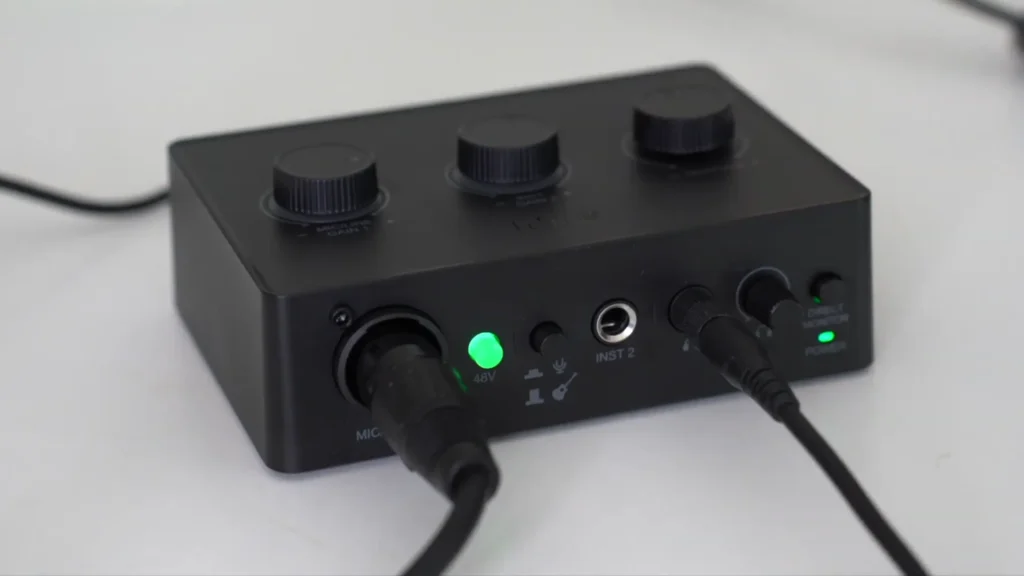
- Hit the 48V switch. On most interfaces, this is a button or toggle. Take the FIFINE SC1 interface. You just need to press the 48V button.
- Wait a few seconds. Give the capsule time to charge up. Condensers don’t reach full operating voltage instantly — typically, 5 to 10 seconds is enough.
- Unmute and set your gain. Now you can bring the channel back up, dial in your preamp level, and start recording.
When you’re done for the session, reverse the process: mute the channel, switch off phantom power, then unplug the mic. Leaving 48V on between sessions won’t damage anything, but turning it off is good housekeeping.
Troubleshooting: When Phantom Power Isn’t Working
Phantom power is enabled, the mic is plugged in, and you’re still getting silence. Run through this checklist before you panic.
- Bad XLR cable. Phantom power needs all three conductors of the XLR working properly. A cable with one broken pin will pass audio but block the 48V. Swap in a known-good cable and try again.
- Software switch not enabled. Some interfaces have a physical button. Others control phantom power through their companion software (Universal Audio Console, Focusrite Control, etc.). If there’s no hardware button, check the app.
- Wrong type of power. A few vintage tube condensers don’t run on standard 48V phantom — they need a dedicated external power supply that ships with the mic. Check the manual.
- Phantom power not actually on. Some interfaces have separate 48V switches per channel pair. Make sure you’ve enabled it for the right input.
- Dead mic. It happens. If you’ve tried two cables and two channels, the mic itself might be the problem.
Wrapping Up
Phantom power is just electricity for mics that need it. Condensers and active DI boxes love it. Dynamics shrug it off. Ribbons can be killed by it. USB mics ignore the whole conversation and run on 5V from your computer.
Before you flip that 48V switch, take 30 seconds to check what type of mic you’ve actually plugged in. Also, mute your channel before you press the button. Now, go record something.
FAQs
Will phantom power damage my dynamic microphone?
Seldom. Most dynamics have an internal transformer that blocks the 48V from reaching the coil. That said, if you’ve modified your mic or own a transformerless dynamic, play it safe and switch phantom off.
Can I leave phantom power on all the time?
For condensers, yes — no harm done. The problem is if you forget and later plug in a ribbon mic. Build the habit of switching it off when not needed.
Why does my interface pop when I turn on 48V?
That’s the capsule charging up. Mute the channel before flipping the switch, and you’ll never hear it.
Does phantom power affect sound quality?
Once the capsule is fully charged, no. The 48V supply is a clean DC current and doesn’t show up in your audio.
