
Audio Podcast vs. Video Podcast: Which Is Best for Podcaster?

Audio and video podcasting get lumped together constantly, but they require different workflows, gear, budgets, and strategies. Both deliver long-form spoken content — yet the way listeners find, consume, and engage with each format differs in ways that directly affect your growth and workload.
So, audio podcast vs video podcast? This article breaks them down across the dimensions that matter: equipment, editing, discoverability, repurposing, and audience connection — with pros, cons, head-to-head comparisons, and step-by-step guidance for getting started.
Audio Podcast vs. Video Podcast: Quick Comparison
| Dimension | Audio Podcast | Video Podcast |
| Definition | A podcast distributed as an audio-only file (MP3/WAV) through platforms like Apple Podcasts and Spotify | A podcast recorded with both audio and video, distributed on YouTube, Spotify, and traditional podcast platforms |
| Core Characteristics | Low barrier to entry, minimal gear required, focused entirely on sound quality and storytelling | Higher production requirements, visual engagement, greater platform reach |
| Best Used For | Solo creators, on-the-go listeners, interview shows where visuals aren’t essential | Brand builders, creators seeking discoverability, shows that benefit from visual elements or guest interaction |
| Common Applications | Narrative storytelling, educational content, commuter-friendly shows, niche topics | Interview shows, tutorial-style content, personality-driven brands, and shows repurposed into short-form clips |
Audio Podcast
| Pros | 🟣Minimal gear required. A USB mic, headphones, and a quiet room get you started. 🟣Faster production. Record, edit, publish — no video footage to manage. 🟣Record anywhere. No camera means no worrying about your background or appearance. 🟣Simpler editing. Audio-only files take a fraction of the time to cut and polish. |
| Cons | 🟣Harder to get discovered. Audio directories lack strong search algorithms. 🟣Limited repurposing. Audio clips don’t stop the scroll the way video does. 🟣Fewer platforms. You miss YouTube entirely — where 39% of listeners now tune in. |
An audio podcast is recorded, edited, and distributed as a sound file. Export as MP3, upload to a hosting platform like Buzzsprout, Transistor, or Substack, and it gets pushed to Apple Podcasts, Spotify, and other directories via RSS.
How Audio Podcast Works
For an audio podcasting workflow, it’s very easy and single-track: record, edit, upload to your host, publish. Total gear cost can sit under $100, and each episode moves from idea to live in a few hours.
Strength of Audio Podcast
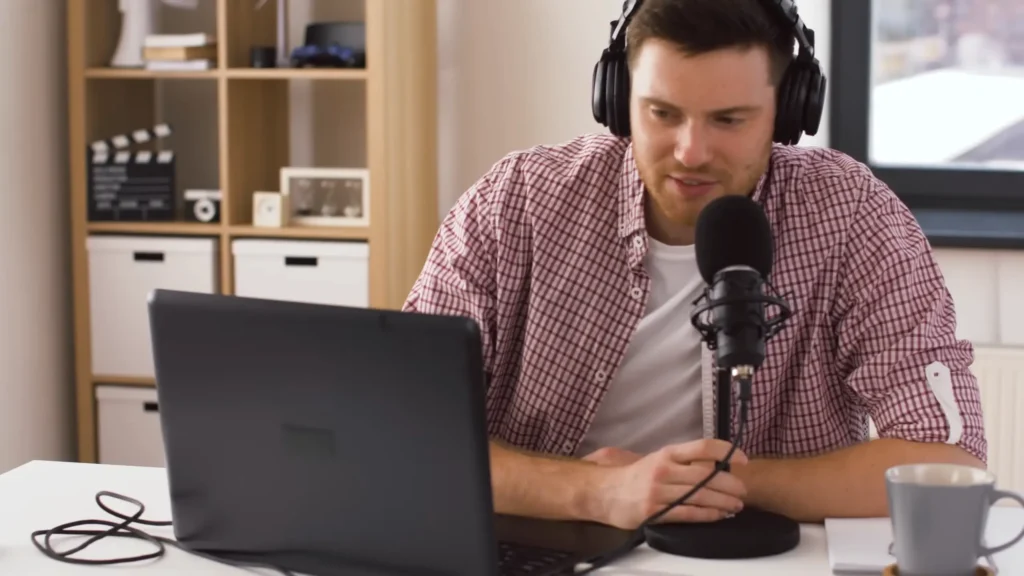
The real strength of audio podcasting is how little stands between you and a published episode. Plug a USB mic like the Audio-Technica ATR2100X, Samson Q2U, or FIFINE K669 into your computer, pair it with free editing software like Descript or Audacity, and your entire production pipeline is set.
Also, perfectionism is not necessary here. No camera angles, lighting, or wardrobe decisions. The visual doesn’t matter.
But the pro of audio is that it has the least friction in getting started. One of the reasons why people do audio only is that you don’t have to have all of this, meaning you don’t need to put your makeup on or look nice on camera.
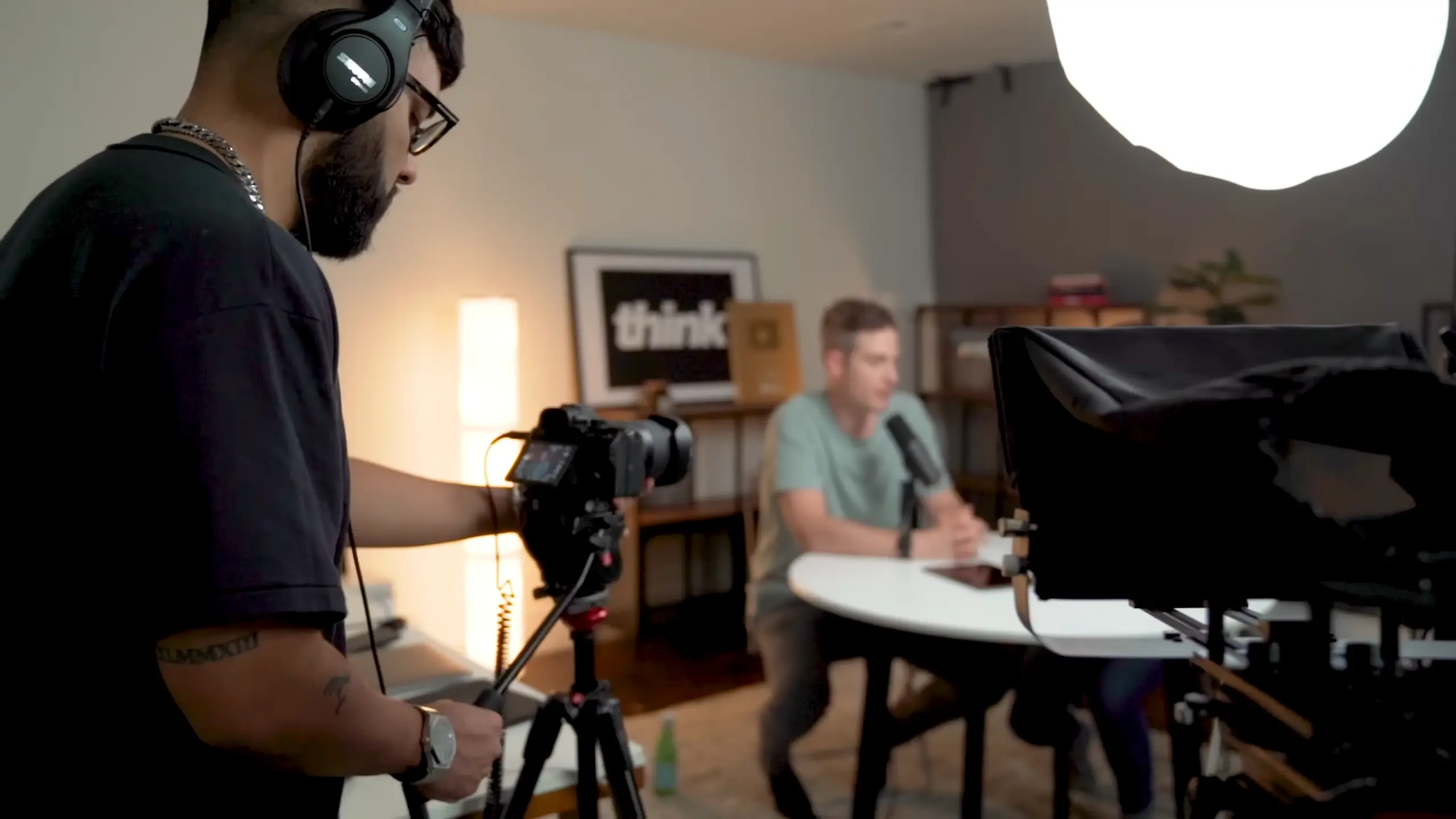
Heather Torres shares from @Think Media on YouTube
Shortage of Audio Podcast
The trade-off is growth. Apple Podcasts and Spotify aren’t built for organic discovery the way YouTube is. To build an audio-only audience, you’ll need to lean into cross-promotion (guesting on shows with overlapping audiences) and word-of-mouth. Also, video clips can be more attractive.
Heather Torres also says, “When you think about going onto the internet and searching for a podcast, if you don’t know the podcast name, it’s not as easy to just discover an artist, discover a creator from their podcast only.”
But this doesn’t mean that “Audio can’t compete anymore.” Audio remains dominant for on-the-go consumption. The audio format still works as the foundation for podcasts. When you’re ready to improve, add a video.
Video Podcast
| Pros | 🟣Built-in discoverability. YouTube’s search engine puts your content in front of new audiences organically. 🟣Easy to repurpose. One episode yields dozens of short-form clips for social platforms. 🟣Stronger audience connection. Seeing your face builds trust faster than voice alone. 🟣More content per session. Highlight segments become standalone videos with fresh titles. |
| Cons | 🟣Higher equipment costs. You need a camera, lighting, and a presentable setup on top of your mic. 🟣More complex editing. Jump cuts, transitions, B-roll, and captions add time and skill requirements. 🟣Perfectionism intensifies. Seeing yourself on camera multiplies reasons to delay publishing. 🟣More distribution steps. YouTube uploads, tags, and thumbnails stack on top of audio hosting. |
A video podcast captures both audio and visual elements of your recording. The finished product gets uploaded to YouTube, Spotify (which now supports video), and sometimes other platforms — while the audio track is stripped and distributed separately to traditional podcast directories.
How Video Podcast Works
Video stacks additional layers on top: set up camera and lighting, record, edit both video and audio, upload to YouTube with optimized metadata, strip audio for your podcast host, then create and distribute short-form clips. Gear costs start higher, per-episode production time increases, but the output — a full video, audio episode, and multiple social clips from one session — gives you far more distribution surface.

Key Features
Video podcasting’s biggest edge is discoverability. YouTube is the second-largest search engine in the world, and 39% of podcast listeners now consume shows there. Spotify is also prioritizing video. When you title and tag episodes with relevant keywords, people searching for your topic can find you organically — something audio directories can’t match.
When you’re recording long-form content like I’m doing right here, once the edit has been completed, we can cut up clips and actually publish them to platforms like Instagram or Tik Tok or YouTube Shorts, which makes it so that you’re on more platforms and your listeners can find you in multiple different ways.
Huete, the podcast producer and the creator of the Emerging Voices Podcasting Accelerator, shares on her YouTube @Podcasting with Hiwi G
The content multiplication is the other major draw. One long-form episode produces a YouTube video, an audio episode, and five to 20 short-form clips for TikTok, Instagram Reels, YouTube Shorts, and LinkedIn. Tools like Riverside auto-generate clips with captions, cutting hours of manual work to minutes.
A reality check on clips, though: viewers who find a 30-second cut on TikTok tend to watch it there and move on. Short-form builds brand awareness, not a reliable subscriber pipeline. Think of it as a visibility tool with indirect returns.
When to Use Audio or Video Podcast
Using Audio Podcast:
You’re a beginner with a full-time job. Get your concept out with minimal overhead. Test your format, find your voice, and build a sustainable release cadence before adding production complexity.
Your audience consumes content on the go. Commuters, runners, and multitaskers want something they can listen to hands-free. Audio fits naturally into routines where screens aren’t an option — and that listening context builds a uniquely loyal audience.
Using Video
You’re ready to grow and build a personal brand. YouTube’s search engine gives you discoverability that audio directories can’t match. You’ll also generate more content assets per recording session.
You’re monetizing through sponsorships or coaching. Sponsors pay more for video placements because they get visual brand exposure alongside the audio mention. If you sell coaching, courses, or services, video also lets potential clients see your personality and communication style before they buy — which shortens the trust-building cycle.
Use Both Together
You want the best of both worlds. Record with a camera running, but focus on editing and distribution of audio first. Keep video files as a library for social clips. When you’re ready, flip the switch to full video distribution without starting from scratch. Many podcasters now run for both podcasting formats. You can find them on Spotify and YouTube, like A Better You and Anything Goes with Emma Chamberlain.

Audio Podcast vs. Video Podcast for Listeners: Which Is Better?
So, how listener prefer? The listener experience differs between formats, and understanding those differences helps you serve your audience better.
| Listener Factor | Audio Podcast | Video Podcast |
| Multitasking | Ideal — works while driving, cooking, exercising | Requires screen attention for full experience |
| Engagement depth | Imagination-driven; listeners fill in the visual gaps | Facial expressions and body language add context |
| Accessibility | Lower data usage, works on any device with a speaker | Requires more bandwidth and a screen |
| Content discovery | Relies on recommendations and browsing directories | YouTube search makes topic-based discovery easy |
| Trust building | Voice intimacy creates a “friend in your ear” effect | Seeing the host’s face accelerates familiarity |
| Session flexibility | Easy to pause and resume across daily routines | Requires screen attention for the full experience |
How to Start an Audio Podcast
- Pick your microphone. A USB mic like the FIFINE AM8 mic or FIFINE K669 microphone works out of the box.
- Choose a recording/editing tool. Descript, Audacity, or GarageBand. For remote interviews, use Riverside or SquadCast.
- Find a quiet space. A closet full of clothes makes a surprisingly effective sound booth.
- Record your first episode. Aim for done, not perfect.
- Edit the rough spots. Cut pauses, filler words, and background noise.
- Upload to a host. Buzzsprout, Transistor, or Substack distribute to Apple Podcasts, Spotify, and more via RSS.
- Write show notes and publish.
How to Start a Video Podcast
- Set up your camera. Phone, webcam, or entry-level camera — lens at eye level.
- Get your lighting right. Natural window light in front of you is free and effective. A ring light works for darker spaces.
- Use a quality mic. Audio quality matters more than video quality. A dynamic mic like the fifine K688 USB/XLR microphone keeps it simple.
- Choose a recording platform. Riverside handles video, remote interviews, and auto-generates clips.
- Record your episode. Look at the camera for solo shows. For interviews, “fly on the wall” style works well.
- Edit your video. Cut dead air, add captions, and B-roll if needed.
- Upload to YouTube. Optimize title, description, and tags. Upload audio to your podcast host separately.
- Create short-form clips. Pull highlights for TikTok, Reels, Shorts, and LinkedIn.
Wrapping Up: Audio Podcast vs Video Podcast
Audio and video podcasting aren’t competing formats — they’re different tools for different goals. Start with audio for low overhead and a fast path to publishing. Go with video for discoverability, brand building, and multi-platform reach. Or record with a camera rolling, but distribute audio-first — you’ll have video assets ready when you are.
The format that works best is the one you’ll consistently show up for. Start with simple audio and update to video gradually. Once you work them together, the result will be beyond your imagination.
FAQs
Can I switch from audio to video later?
Yes. Starting with audio lets you refine your content and style. When you add video later, you’ll be a sharper host.
Do I need expensive equipment for a video podcast?
No. A smartphone, a window light, and a USB mic under $100 are enough. Prioritize audio quality over video resolution.
Will short-form clips grow my audience?
They build brand awareness but convert to long-form listeners at a lower rate than most expect. Treat clips as a visibility tool.
Is YouTube really that important for podcasting?
In 2026, 39% of podcast listeners consumed shows on YouTube — more than Apple Podcasts or Spotify. Its search engine gives podcasters a discovery advantage that audio directories lack.
Should I do both from day one?
Only if the added complexity won’t slow you down. Record video alongside audio, but focus distribution on audio first.
