
Best Audio Format 2026: WAV vs MP3 vs FLAC vs AAC vs AIFF

It is the audio format that determines whether your audio is successfully exported or difficult to upload/edit. Be it recording with a FIFINE microphone or ripping a CD collection, the format you choose matters more than most people think.
You may always see the audio formats, WAV, MP3, FLAC, AAC, and AIFF. Each of them is built for a different job. The best audio format? It depends entirely on what you’re doing with the audio. Here we’ve tested these five audio formats with the audio quality, file size, compatibility across devices and services, editing flexibility, and storage cost. It’s to help you pick the right one for you.
The Best Audio Formats at a Glance
- WAV – Best for recording and editing on Windows
- AIFF – Best for recording and editing on Mac
- FLAC – Best for archiving music libraries
- MP3 – Best for podcasts and sharing
- AAC – Best for Apple users and streaming
Best Audio Format Detailed Reviews
WAV
Pros
- Full, uncompressed audio quality
- Maximum flexibility in editing
- No compression artifacts like hissing, ringing, or warping
- Broad compatibility across editing software
Cons
- Large file sizes
- Some podcast hosts and services block or limit WAV uploads
- Eats up storage on editing machines and cloud backups
WAV (Waveform Audio File Format) is the uncompressed, lossless standard that pro audio has leaned on for decades. Microsoft and IBM created it, and it has since become the default working format for producers worldwide.
Think of a WAV file the way a photographer thinks of a RAW image. Every frequency, every effect, every subtle bit of the signal is there, untouched. That matters when you need to EQ a voice, clean up room noise, or apply effects without stacking artifacts on top of artifacts. But if you record in other formats, like MPS, your resource file will miss some information.
The catch is the size. Expect files to be 5 to 10 times larger than their compressed equivalents. A long podcast episode in WAV can easily push past what some hosting platforms allow. That’s why most producers record and edit in WAV, then export to a smaller format for distribution.
AIFF
Pros
- Uncompressed, lossless audio identical in quality to WAV
- Better metadata handling than WAV
- Native support across Apple apps and devices
- Excellent for editing and professional audio work
Cons
- Large file sizes, similar to WAV
- Less universal outside the Apple ecosystem
- Overkill for distribution or casual listening
AIFF (Audio Interchange File Format) is essentially the Apple counterpart to WAV. It’s uncompressed, lossless, and delivers the same full-quality audio. You can process, EQ, and apply effects without worrying about compression artifacts compounding. Also, it handles metadata more gracefully, which is why it’s long been the preferred uncompressed format inside Apple’s audio ecosystem.
Technically, AIFF and WAV provide the same audio quality. If you’re working in Logic Pro or GarageBand, or running a Mac-based studio with iTunes, Logic Pro, and Apple’s broader audio pipeline, AIFF fits in naturally. Windows and cross-platform studios generally stick with WAV.
FLAC
Pros
- Lossless compression with no quality loss
- Roughly half the file size of WAV or AIFF
- Purpose-built for audio, so it compresses more aggressively than ZIP
- Great for archiving CDs and high-res music
Cons
- Not natively supported in iTunes (use ALAC instead if you’re on Apple)
- Less universal than MP3 across consumer devices
- Still larger than lossy formats like MP3 or AAC
FLAC (Free Lossless Audio Codec) gives you the quality of a WAV file at roughly half the file size. It uses lossless compression, meaning nothing is thrown away. The file is just packed more efficiently.
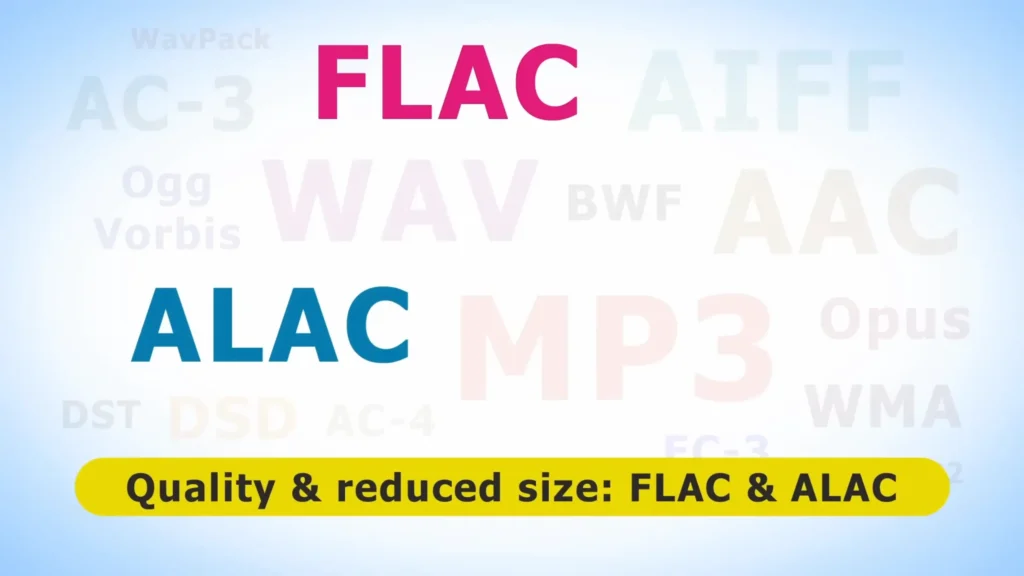
FLAC works through prediction. It looks at the audio, guesses what’s coming next, and stores only the difference between the prediction and the actual value using a clever math technique called Rice coding. Finally, you can get a file that sounds identical to the original WAV but takes up significantly less space.
FALC has become the go-to format for serious music listeners ripping CD collections. If you have a stack of CDs and you want to rip them properly, tools like dBpoweramp and Exact Audio Copy will pull them into FLAC cleanly.
Tips: ALAC is essentially the Apple equivalent of FLAC. If your entire setup runs on iTunes or Apple Music, ALAC is the lossless format you want.
MP3
Pros
- Small file size for easy sharing and streaming
- Universal compatibility across devices and platforms
- Lower storage and hosting costs
- Faster downloads for listeners
Cons
- Lossy compression permanently discards audio data
- Possible compression artifacts like hissing or ringing
- Less editing headroom if you try to process it further
MP3 (MPEG-1 Audio Layer 3) is the format that conquered the internet. It’s 5 to 10 times smaller than WAV, plays on practically every device ever made. MP3 bit rates typically range from 128 to 320 kbps, compared to the 1,411 kbps of an uncompressed CD.
MP3 is lossy. That’s a huge drop in raw data, but the MP3 codec is smart about what it removes. It targets frequencies and sounds that are generally difficult for the human ear to detect in normal listening conditions.
For podcasts, this almost always works out fine. Most people listen through earbuds, car speakers, or phone speakers, which aren’t going to reveal subtle compression artifacts. That’s where MP3 benefits are. It fits a two-hour episode into a manageable file size. Record in WAV or AIFF for editing flexibility, then export to MP3 for publishing.
AAC
Pros
- Higher perceived quality than MP3 at the same bit rate
- Default format for iTunes and many Apple services
- Efficient for streaming
- Broad support on modern devices
Cons
- Still a lossy format, so data is permanently discarded
- Slightly less universal than MP3 on older or non-Apple hardware
- Not ideal for editing or archiving
AAC is MP3’s more sophisticated cousin. It uses a more advanced compression algorithm to deliver better quality at lower bit rates, which is why Apple adopted it for iTunes and why it powers a lot of modern streaming.
AAC comes up most often in streaming contexts. iTunes uses it at 256 kbps, and many streaming services lean on it because it balances quality and bandwidth efficiently.
If you’re the average listener, you’ve probably been hearing AAC for years without realizing it. For creators, it’s a solid export option when you want better quality than MP3 without jumping all the way to a lossless format.
Who Should Use Each Audio Format?
| Format | Type | Ideal User | Best Use Scenarios | When to Avoid |
|---|---|---|---|---|
| WAV | Uncompressed / Lossless | Podcasters and producers on Windows | Recording, editing, and archiving masters | Storage-limited hosts, casual sharing |
| AIFF | Uncompressed / Lossless | Mac-based producers and Logic Pro users | Recording and editing in Apple workflows | Windows-heavy pipelines, consumer distribution |
| FLAC | Lossless Compressed | Audiophiles and CD collectors | Ripping CDs, building a hi-fi music library | iTunes-only setups, casual listening |
| MP3 | Lossy Compressed | Podcasters and casual listeners | Publishing, sharing, and everyday listening | Multiple edits, critical listening |
| AAC | Lossy Compressed | Apple users and streamers | iTunes, Apple Music, mobile streaming | Editing, archiving, and older hardware |
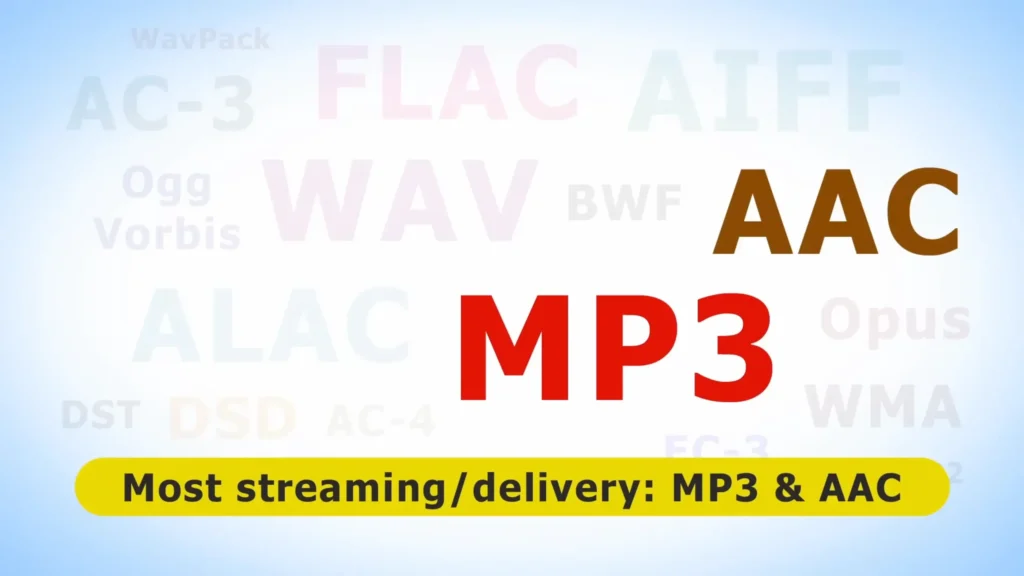
A quick way to think about it: WAV and AIFF are for creating, FLAC is for collecting, and MP3 and AAC are for consuming.
How to Pick the Best Audio Format for Your Needs
Choosing a format is less about finding the “best” one and more about matching the format to what you’re actually doing. Here are the criteria that matter most.
Audio Quality
This is the big one. Quality breaks down into two buckets: lossless (WAV, AIFF, FLAC, ALAC) and lossy (MP3, AAC, Ogg Vorbis). Lossless formats keep every bit of the original audio. Lossy formats throw data away to save space.
On a basic setup, the difference between a high-bit-rate MP3 and a WAV is slight. On a high-end system with good headphones or speakers, the gap becomes much more noticeable. If quality is your top priority, stick with WAV, AIFF, or FLAC.
File Size and Storage
WAV and AIFF files are massive and roughly equal in size. FLAC cuts that roughly in half. MP3 and AAC can be 5 to 10 times smaller than WAV.
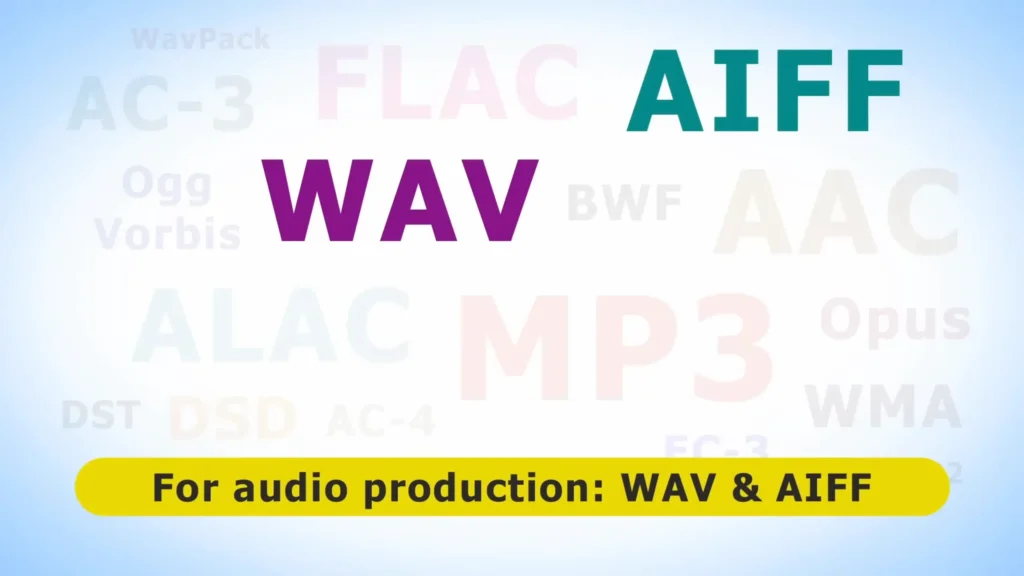
A good rule: for creators, record large and export small. Capture in WAV or AIFF, edit in the same format, then export to MP3 or AAC for distribution. You keep all your quality where it counts and save space where it doesn’t.
Compatibility
- MP3 is the king of compatibility. It plays on Macs, iPhones, Android phones, old MP3 players, car stereos from 2004, and basically any streaming platform you can name.
- WAV is also widely supported but occasionally runs into upload limits on podcast hosts.
- AIFF works beautifully inside Apple’s ecosystem but is less common outside it.
- FLAC has strong support on modern devices but isn’t native to iTunes.
- AAC is the Apple-friendly lossy choice and works almost everywhere modern.
Editing Flexibility
If you plan to edit, mix, or process audio after recording, format matters more than most people realize. WAV and AIFF give you the most raw data to work with.
Editing a lossy file like MP3 is possible, but every re-export loses more quality. For any serious editing work, an uncompressed format is the default.
Cost of Storage and Hosting
Storage isn’t free. Podcast hosts often charge more for higher storage tiers. If you’re producing weekly content in WAV or AIFF and keeping every episode archived, the bill adds up fast. Choosing FLAC for archiving or MP3 for distribution is an easy way to cut costs without sacrificing what listeners actually experience.
Putting It All Together
The best audio format depends on what you’re doing. Overall, the safest workflow for most people is WAV (or AIFF on Mac) for recording and MP3 for sharing. If you’re focused on pristine music libraries, FLAC is the better long-term choice, while Apple users may prefer AIFF + AAC/ALAC for smoother integration.
Keeping the master after your recording is the point, whether the budget microphone FIFINE K688 or the professional Shure SM5 mic. Export what makes sense for your audience. That’s the workflow that holds up no matter which format you end up using.
FAQs
Can I actually hear the difference between MP3 and WAV?
In most real-world listening situations, no. On a high-end system with good headphones, trained ears can sometimes pick up compression artifacts like hissing, ringing, or warping in MP3s. For spoken-word content like podcasts, the difference is even harder to detect.
Is FLAC better than WAV?
They sound identical because both are lossless. FLAC wins on file size (about half of WAV), while WAV wins on universal compatibility with editing software. For listening and archiving, FLAC. For recording and editing, use WAV or AIFF.
What bit rate should I use for MP3?
For podcasts and spoken content, 128 kbps is usually fine. For music, 256 to 320 kbps gets you much closer to the original quality. CDs, for reference, run at 1,411 kbps uncompressed.
Should I record directly in MP3 to save time?
Not if you plan to edit. Recording in MP3 means starting with an already-compressed file, and every edit and re-export degrades it further. Record in WAV or AIFF, edit in the same format, and export to MP3 at the end.
What’s the difference between AAC and MP3?
Both are lossy, but AAC uses a more efficient compression algorithm and generally sounds better at the same bit rate. AAC is the default for iTunes and many streaming services, while MP3 is more universally compatible.
