
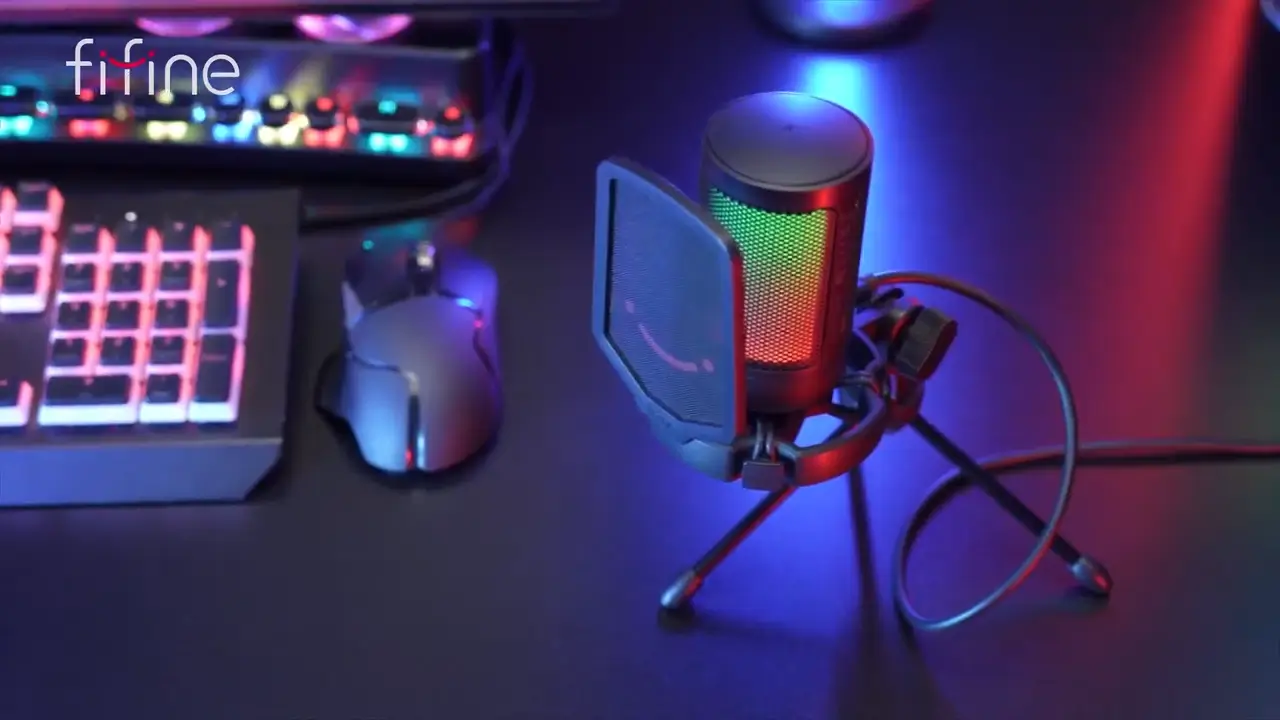
FIFINE A6V Review: The Budget Mic Beginners Are Obsessed With

The FIFINE AmpliGame A6V pops up everywhere on social media and in YouTube recommendations. But some budget mics always disappointed us, with muddy audio, excessive background noise pickup, and poor build quality. We’ve all been here.
Is this a $35 mic actually deliver? After long-term testing with multiple FIFINE A6V reviews, I can confidently say: YES. This microphone sits firmly in the “starter” category. It’s not trying to compete with professional XLR setups. Instead, it aims to be the best entry point into decent audio, and it largely succeeds. So, let’s go through this guide and check if this is worth.
Quick Verdict on FIFINE AmpliGame A6V
Price: $30-35
Colors: Black, Pink, White, Red, Blue
Overall Score: 8.5/10
| Category | Score |
| Sound Quality | 8/10 |
| Build Quality | 7/10 |
| Features | 9/10 |
| Value for Money | 9.5/10 |
| Ease of Use | 9/10 |
Pros
- Impressive audio quality for the price point
- Built-in shock mount reduces handling noise
- Included pop filter handles plosives well
- Touch-sensitive mute button with RGB indicator
- Convenient gain knob for on-the-fly adjustments
- True plug-and-play setup across PC, Mac, and PlayStation
- Multiple color choices to match your setup
- Detachable USB-C cable for flexibility
Cons
- All-plastic construction feels lightweight
- Non-standard thread requires an adapter for most boom arms
- RGB cannot be customized or turned off (except via mute)
- No companion software for audio adjustments
- Too light for heavy-duty boom arms like the Rode PSA1
FIFIVE A6V Review in Sound Quality
Score: 8/10
Let’s cut to what matters most: how does this thing actually sound?
The Technical Specs
With a 192kHz sample rate and captures frequencies up to 18kHz, this mic also makes your voice come through with good clarity and detail. The highs are present without being harsh, and the low end has enough body to sound natural without getting boomy. So, in blind comparisons with microphones costing $100 or more (like the AKG P120), listeners often struggled to identify which was the budget option.
I honestly could barely tell the difference between this $35 microphone with this $100 microphone. I’m really impressed with this, as far as the sound quality sounds really good. ——— Kedrick Foster in YouTube
Polar Pattern Performance
The cardioid pattern works as advertised. The A6V primarily picks up sound from the front while rejecting audio from the sides and rear. Speaking directly into the front delivers the fullest, clearest sound. Move to the sides, and the audio noticeably drops off—which is intentional. From behind, the rejection is even stronger.
During keyboard tests with a loud mechanical board positioned behind the mic, the typing was audible but not overwhelming. If you’re gaming while streaming, your audience won’t be distracted by every keystroke (assuming you position the mic correctly).
The Proximity Effect
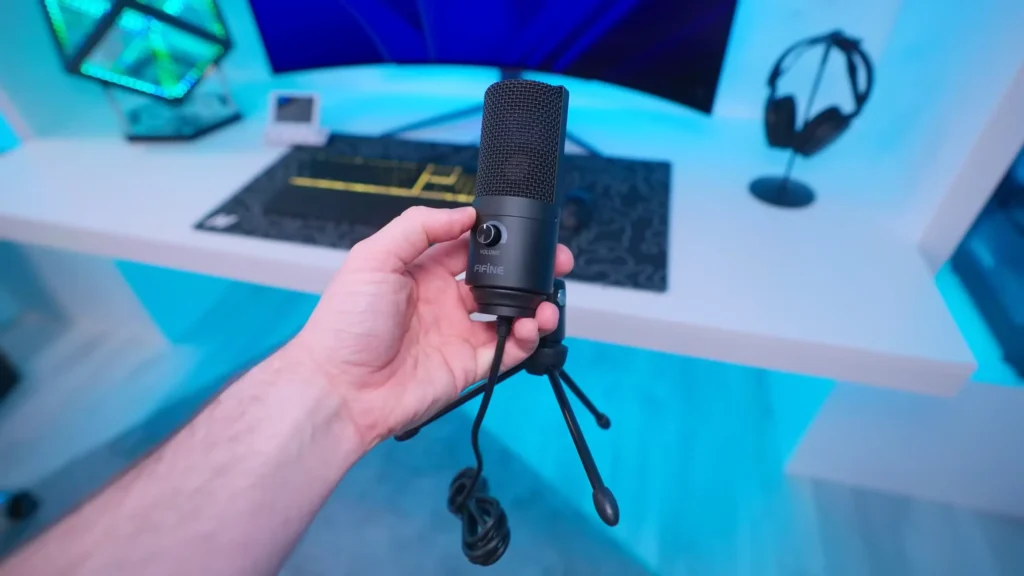
Like most cardioid microphones, the A6V exhibits proximity effect—get close to the capsule, and your voice takes on more bass. At around 5cm from the pop filter, voices sound noticeably warmer and more “radio-like.” At 15cm, the sound is more neutral and natural.
It is better to use the microphone closer to your mouth at a distance of 10 to 15 cm. If you have a big room and have some room reverberation, it is recommended to use the microphone in close proximity. —— LUK7N in YouTube
Build Quality of FIFINE A6V Review
Score: 7/10
This is where expectations need calibrating. The A6V is built primarily from plastic, and it feels like it. The mic itself is surprisingly light—almost disconcertingly so if you’re used to heavier metal-bodied microphones.
Light but Steady
But here’s the thing: that lightness isn’t necessarily a flaw. It means the included tripod stand can support it without tipping, and lighter boom arms can handle it without sagging. The plastic construction also keeps the price down, which is kind of the whole point of a budget mic.
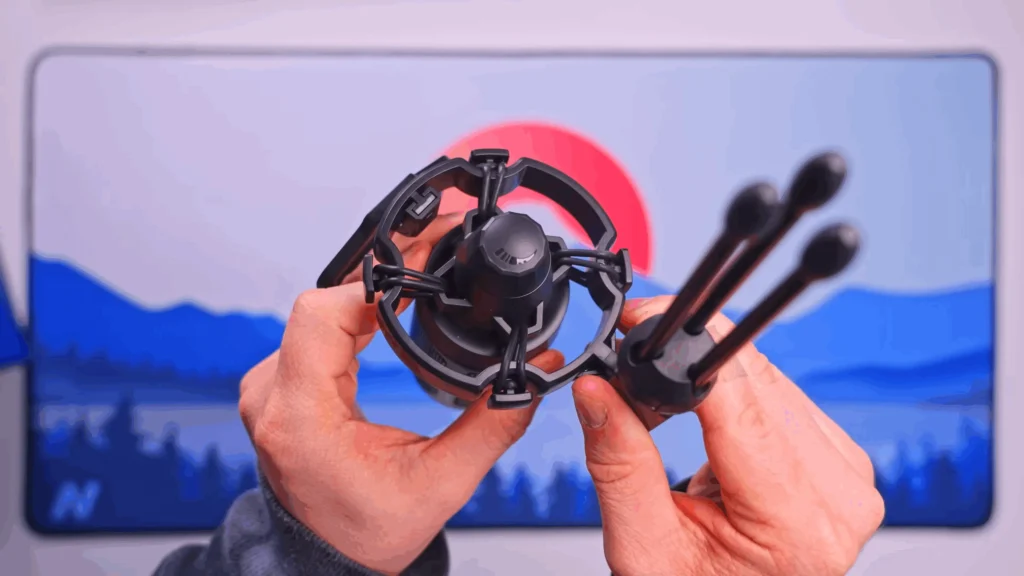
What’s the highlight? The built-in shock mount. Those elastics connecting the mic body to the mount do their job, absorbing vibrations from desk bumps and preventing that hollow, reverberating sound you get when tapping near an unsuspended microphone. In our noise testing, tapping the desk transmitted noticeably less noise compared to the mics without shock absorption.
A Word of Warning
The shock mount and pop filter feel a bit delicate. You don’t want to be rough with them. The pop filter snaps on and off (there’s even a little smiley face on it, which is a nice touch), but force isn’t your friend here. Treat it gently, and it’ll serve you well.
The A6V has elastics between the mount and the microphone itself. And these make it so that vibrations coming from the desk do not travel to the microphone and won’t make a reverberating sound whenever you touch your desk or touch the microphone arm. —— The Video Nerd in YouTube
The Thread Situation
One frustration worth mentioning: the A6V uses a non-standard, thicker thread on its mounting point. Most boom arms and standard mic stands won’t fit directly. You’ll need to pick up a thread adapter separately—they’re cheap (a few dollars), but it’s an annoying extra step that FIFINE could have avoided.
FIFINE A6V Review in Features
Score: 9/10
For a budget microphone, the FIFINE A6V microphone is surprisingly feature-rich. FIFINE clearly studied what streamers and content creators actually need and delivered accordingly.
Touch-Sensitive Mute Button
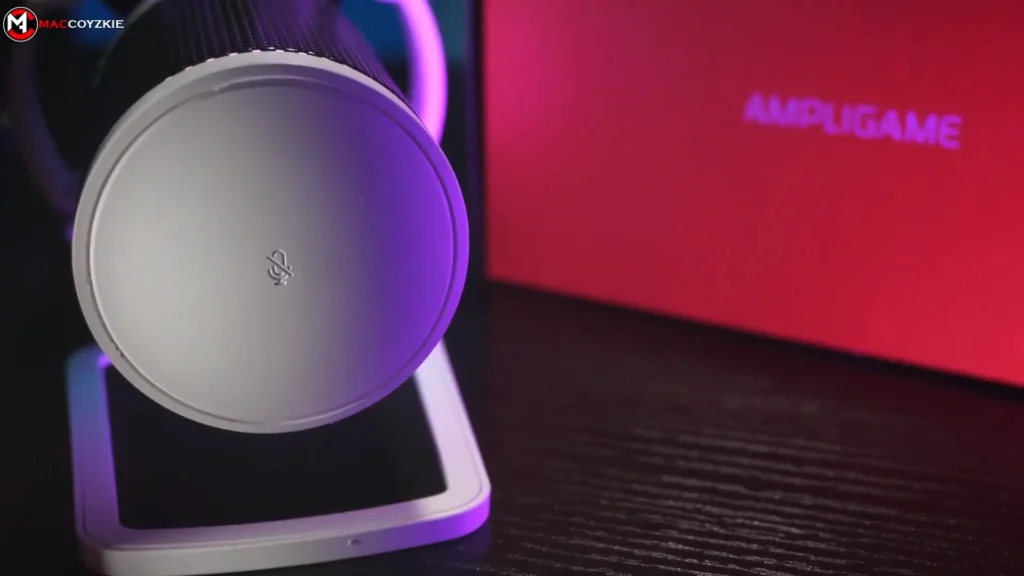
The top of the microphone houses a capacitive touch sensor for muting. Tap it, and you’re muted. Tap again, and you’re live. There’s no physical button to click—just a gentle touch. This design choice eliminates the mechanical sound that physical buttons can introduce into recordings.
It’s known that some budget mics will have some noise when you toggle their mute buttons. But in A6V, it doesn’t happen. Its mute activation was silent. No pops, no clicks, no artifacts in the audio.
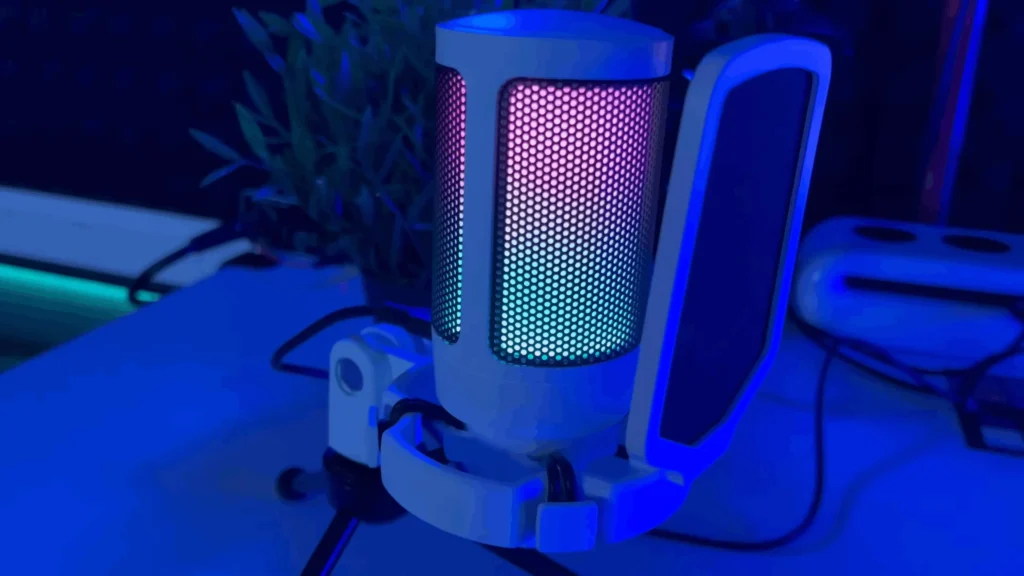
RGB Indicator
FIFINE A6V offers four preset patterns with smooth transitions in its RGB design. When you turn on the mic, the LEDs cycle through a color gradient. When muted, they turn off completely. What’s that mean? The RGB lighting is your mute indicator! No more streaming for 20 minutes before realizing you’re muted.
But there’s a thing: You can’t customize the colors or effects, which might disappoint RGB enthusiasts who want everything to match. But honestly, for most users, the default looks good and serves its functional purpose.
Gain Control
The bottom of the mic features a physical gain knob. Twist it to adjust input sensitivity on the fly—no diving into Windows sound settings or streaming software mid-session. If you suddenly start speaking louder or your gain is too hot, a quick adjustment fixes it immediately. This kind of physical control is usually reserved for more expensive microphones.
No Software Required
The A6V is completely plug-and-play. No drivers, no companion apps, no configuration software. Connect the USB cable, select the mic in your audio settings, and you’re done. It works on Windows, Mac, and PlayStation out of the box.
Yeah, there are some limitations: no EQ adjustments, no noise suppression settings, no RGB customization. But if you’re a beginner or casual user, this simplicity is actually a strength. One less thing to troubleshoot.
FIFINE A6V Review: Usage Ease
Score: 9/10
Setup genuinely takes about 60 seconds.
The package includes a USBC-to-USB-A cable (detachable, which is great—you can swap it for a longer or shorter one as needed). Plug the USB-C end into the back of the mic, the USB-A end into your computer, and you’re live. The RGB lighting up confirms the connection.
What’s in the Box
- FIFINE AmpliGame A6V microphone with integrated shock mount
- Pop filter (pre-attached)
- USB-C to USB-A cable
- Metal tripod desk stand
- User manual
The tripod stand deserves mention. Unlike the mic itself, this thing weighs it. Metal construction with rubber feet means it stays planted on your desk. It’s a solid base for recording voiceovers, podcasts, or video calls where you’re sitting relatively still.
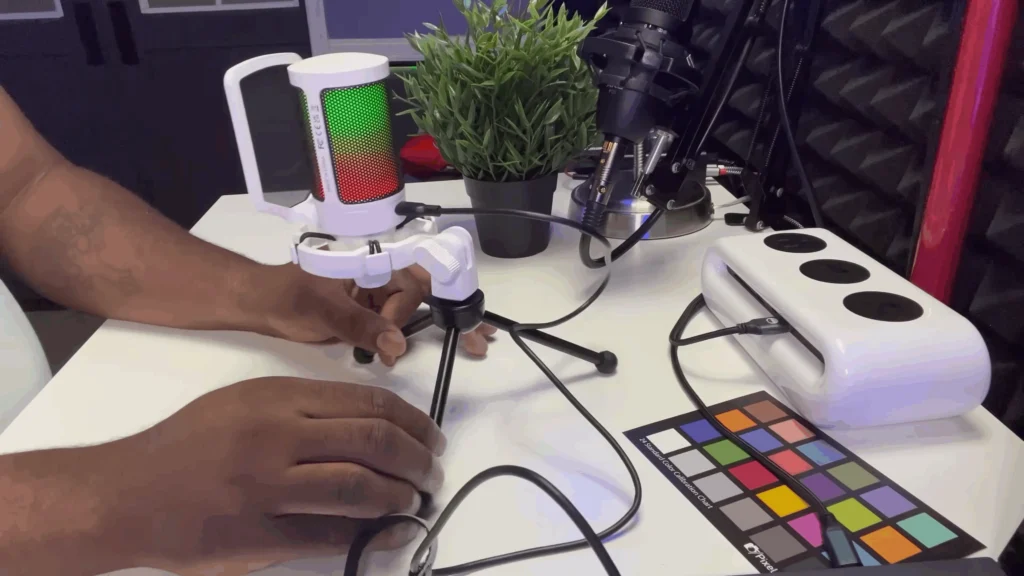
Positioning Flexibility
You can angle the mic on its stand for better pickup. For streaming, though, you’ll probably want a boom arm to get the mic closer to your face—better sound, cleaner desk space. Just remember that thread adapter if you go that route.
In FIFINE, you can find an updated version (FIFINE A6T microphone kit) that includes A6V with a boom arm. If you know you want a boom arm anyway, these bundles often represent better value than buying separately.
Value for Money
Score: 9.5/10
This is where the FIFINE A6V absolutely shines. At $30-35 for the standalone mic (prices fluctuate on Amazon), you’re getting:
- A USB microphone with genuinely good audio quality
- Built-in shock mount
- Included a pop filter
- RGB lighting with mute indicator
- Physical gain control
- Detachable cable
- Solid desk stand
That same feature set from competitors would easily cost $60-80 or more. The A6V undercuts the market significantly while delivering quality that matches or approaches pricier alternatives. For the mic plus boom arm bundle (around $39-45, depending on sales), the value proposition gets even stronger.
Comparable bundles from other brands typically start at $50-60 minimum. So, if you’re stepping up from laptop mics, earbuds, or gaming headset microphones, the FIFINE A6V microphone is certainly your choice.
Who Is the FIFINE A6V For?
| User Type | Recommendation |
| Beginning streamers | ✅ Perfect entry point |
| Gamers wanting better voice chat | ✅ Major upgrade from headset mics |
| Podcasters on a budget | ✅ Great for starting out |
| Remote workers (Zoom/Teams) | ✅ Professional-sounding audio |
| Content creators recording voiceovers | ✅ Solid performance for the price |
| Experienced streamers with existing setups | ❌ Not an upgrade |
| Professional podcasters | ❌ Consider XLR setups |
| Musicians recording instruments | ❌Gamers want better voice chat |
The A6V is unambiguously a starter microphone. It’s for people who need better audio than they currently have and don’t want to spend $100+ figuring out if streaming or podcasting is really for them. If this hobby doesn’t stick, you’re out $35—not hundreds. And if it does stick, you’ll have a capable backup mic once you eventually upgrade.
FIFINE A6V Microphone Alternatives
FIFINE K669B
| ✅Pros | ❌Cons |
| Better build quality (more metal construction) | No RGB lighting |
| Often $5-10 cheaper than the A6V | No built-in mute button |
| Same excellent audio quality | No shock mount (needs one for boom arm use) |
The FIFINE K669B microphone is another budget champion. If you don’t care about RGB, don’t need a physical mute button, and plan to add your own shock mount anyway, the K669B offers similar sound quality with slightly better build materials at a lower price. However, if you’re buying the combo kit with boom arm, the K669B bundle actually costs more (around $10) because FIFINE includes a shock mount—evening out the pricing.
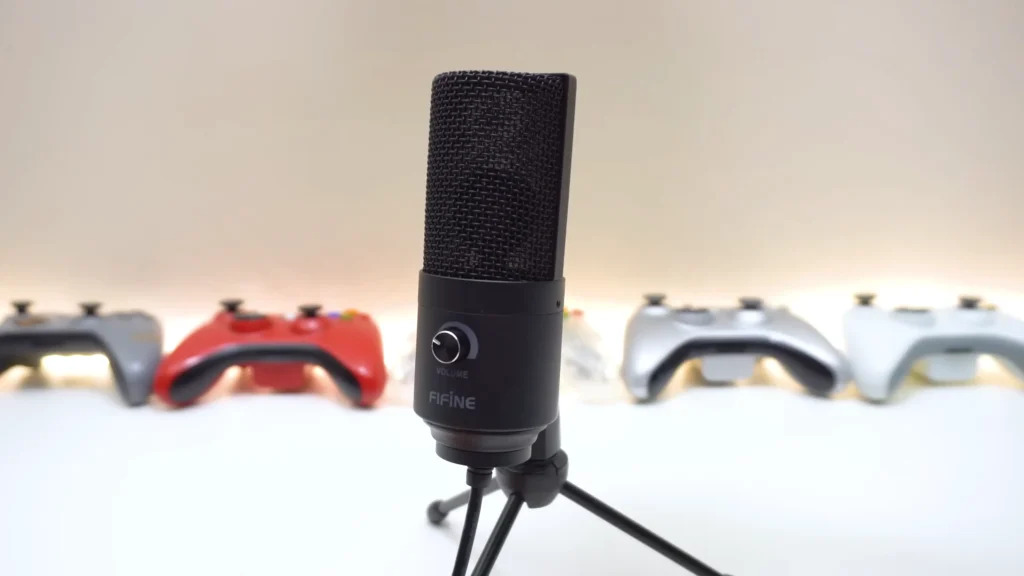
Blue Snowball iCE
| ✅Pros: | ❌Cons: |
| Established brand recognition | No gain control |
| Unique retro design | No mute button |
| Typically costs more than A6V | |
| Sound quality is not notably better |
The Snowball iCE was the go-to budget recommendation for years, but the A6V has arguably surpassed it in our testing. More features, similar or better sound, and often a lower price.
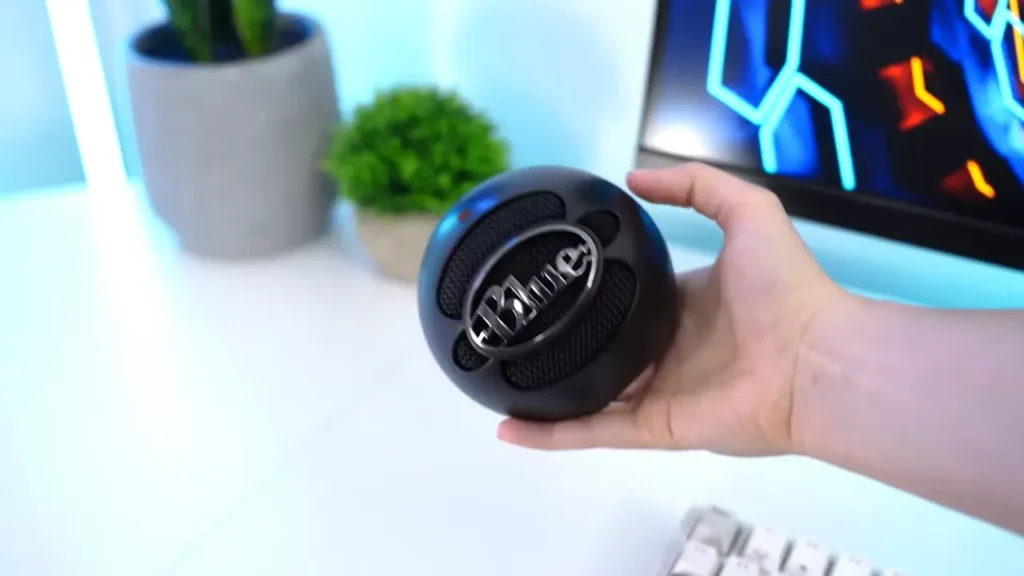
HyperX SoloCast
| ✅Pros | ❌Cons |
| Better build quality (metal body) | No gain control on the mic |
| Tap-to-mute function | No RGB |
| Strong brand reputation | Costs significantly more ($50-60) |
If you’re willing to spend more and prioritize premium build quality, the SoloCast is a solid option. But the A6V’s extra features (gain knob, RGB indicator) make it compelling even against pricier competition.
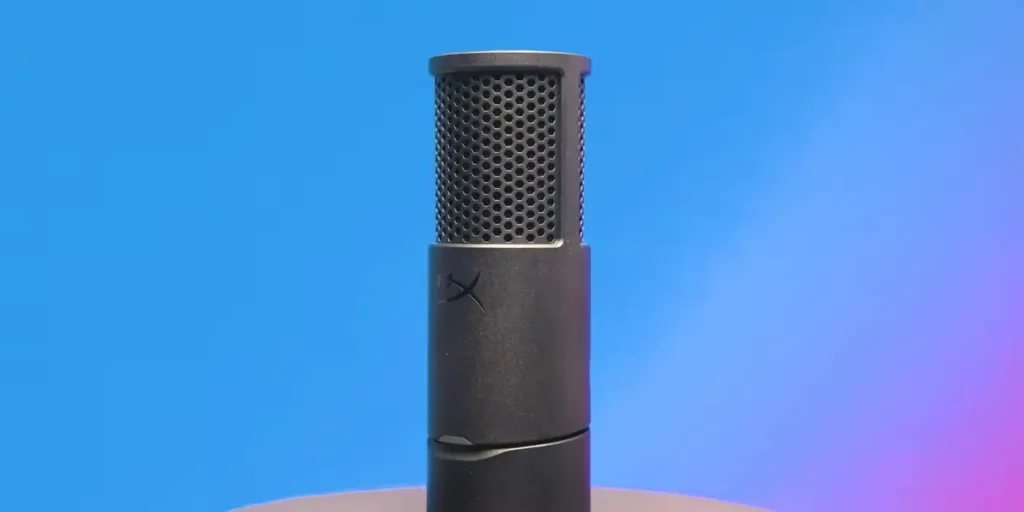
Final Thoughts on FIFINE A6V Reviews
The FIFINE AmpliGame A6V does something rare in the budget audio space. For about $35, you get a microphone that sounds good, includes features usually reserved for pricier models, and works without any setup headaches.
It isn’t perfect. The plastic construction won’t wow anyone, the non-standard thread is annoying, and RGB purists will be frustrated by the lack of customization. But these are minor complaints in the context of what this mic costs and what it delivers.
For anyone who wants to start their sound journey, the A6V is an easy recommendation. No need to spend lots of dollars, you can get a wallet-friendly mic that sounds professional.
FAQs
Does the FIFINE A6V work with PlayStation or Xbox?
The A6V is compatible with PC, Mac, and PlayStation consoles. It’s true plug-and-play with no drivers required. But it doesn’t work with Xbox.
Can I turn off the RGB lighting?
The RGB runs when the mic is live. You can only turn off the RGB when you mute the mic. There’s no separate power toggle or software control for the lighting.
Do I need a boom arm for the A6V?
Not necessarily. The included tripod stand works well for podcasting, voice recording, or video calls. However, for streaming where you want the mic closer to your face without it being visible on camera, a boom arm is recommended. Or, you can consider the FIFINE A6T microphone kit, which is the updated version that includes A6V and a boom arm.
Is there software to control the A6V?
No. The A6V is entirely plug-and-play with no companion software. Gain adjustments are made via the physical knob on the mic.
Can I use the A6V with a camera for video recording?
The A6V is a USB microphone, so it connects to computers, not cameras. You cannot plug it directly into a DSLR or mirrorless camera. For on-camera work, you’d need the A6V connected to a computer running your recording software.
Is the pop filter removable?
Yes. The pop filter snaps on and off. However, use care when removing it—the construction is plastic and can break if handled roughly.
What’s the best distance to use the A6V?
For optimal sound, position the mic 10-15cm (4-6 inches) from your mouth. This distance reduces room echo and captures clear audio without excessive bass buildup from the proximity effect.
